Playback starts YouTube’s embedded player (privacy-enhanced mode).
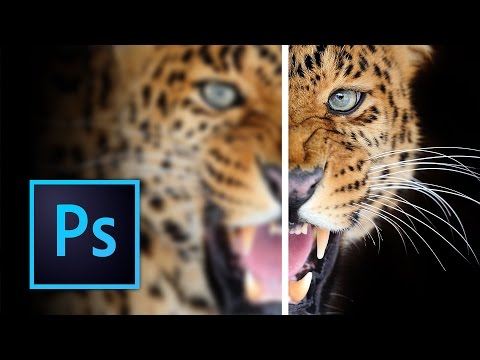
How to Sharpen Images in Photoshop
ChannelKelvin DesignsDescription from the creator
Get the source files for this episode here: kelvindesigns.com/offers/zCwxz6Y6
In this episode, I show you a few ways to sharpen your images and photos in Photoshop. From Unsharp Mask, to High Pass filter, to sharpen tool and using Camera Raw. Many ways to sharpen images in Photoshop!
SUBSCRIBE FOR OTHER VIDEO TIPS AND TUTORIALS :
============================================
youtube.com/subscription_center?add_user=kelvin…
In this episode, I show you a few ways to sharpen your images and photos in Photoshop. From Unsharp Mask, to High Pass filter, to sharpen tool and using Camera Raw. Many ways to sharpen images in Photoshop!
SUBSCRIBE FOR OTHER VIDEO TIPS AND TUTORIALS :
============================================
youtube.com/subscription_center?add_user=kelvin…
About this tutorial
Kelvin Designs published this 25:39 video tutorial on November 6, 2016. It has been watched 1,812,648 times on YouTube.
- Channel
- Kelvin Designs
- Category
- Education
- Duration
- 25:39
- Published
- November 6, 2016
- Views
- 1,812,648
- Likes
- 17,885
Tags
Share
This tutorial in other languages
- FRComment affiner vos images dans Photoshop
- ESCómo enfocar las imágenes en Photoshop
- PTComo realçar imagens em Photoshop
- ITCome affilare Immagini in Photoshop
- DEWie zu schärfen Bilder in Photoshop
- NLHoe kan ik beelden verscherpen in Photoshop
- RUКак резкость изображения в Photoshop
- PLJak wyostrzyć obrazy w Photoshopie
- JAPhotoshopで画像をシャープにする方法
- ARكيفية شحذ الصور في فوتوشوب
- HIकैसे Photoshop में पैना छवियाँ के लिए
- IDCara Gambar Pertajam di Photoshop