Playback starts YouTube’s embedded player (privacy-enhanced mode).
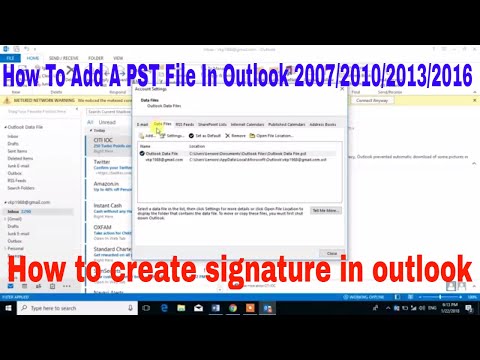
How To Add PST File In Outlook 2007/2010/2013/2016
ChannelVR adviceDescription from the creator
1. Click on File
2. Click on Account Settings and then click on Account settings
3. Navigate to Data Files and click on Add, choose and open a PST file
4. It will appear in the left pane menu.
2. Click on Account Settings and then click on Account settings
3. Navigate to Data Files and click on Add, choose and open a PST file
4. It will appear in the left pane menu.
About this tutorial
VR advice published this 3:17 video tutorial on November 9, 2018. It has been watched 1,440 times on YouTube.
- Channel
- VR advice
- Category
- People & Blogs
- Duration
- 3:17
- Published
- November 9, 2018
- Views
- 1,440
- Likes
- 26
Tags
Share
This tutorial in other languages
- FRComment faire pour ajouter fichier PST dans Outlook 2007/2010/2013/2016
- ESCómo agregar archivos PST de Outlook 2007/2010/2013/2016 En
- PTComo adicionar arquivo PST No Outlook 2007/2010/2013/2016
- ITCome aggiungere file PST In Outlook 2007/2010/2013/2016
- DEWie Hinzufügen von Datei PST in Outlook 2007/2010/2013/2016
- NLHow To PST-bestand in Outlook 2007/2010/2013/2016
- RUКак добавить файл PST в Outlook 2007/2010/2013/2016
- PLJak dodać plik PST w programie Outlook 2007/2010/2013/2016
- JAどのようにOutlookでPSTファイルを追加する2007/2010/2013/2016
- ARكيفية إضافة ملف PST في Outlook 2007/2010/2013/2016
- HIकैसे आउटलुक 2007/2010/2013/2016 में पीएसटी फ़ाइल जोड़ने के लिए
- IDCara Tambah PST File Dalam Outlook 2007/2010/2013/2016