Playback starts YouTube’s embedded player (privacy-enhanced mode).
How to Create a Multimedia PowerPoint Presentation
ChannelJay BertelsenDescription from the creator
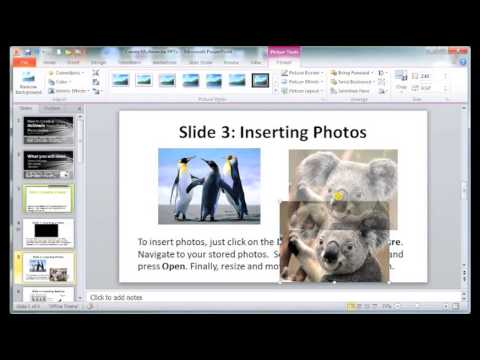
This tutorial walks you through the steps of adding slide background designs, inserting videos, photos, and audio files to your PPT presentation. You'll also learn how to make your videos & sound files play automatically. Finally, you'll see how to record narration & slide timings so your PPT presentation will be ready to convert to a video.
About this tutorial
Jay Bertelsen published this 14:16 video tutorial on October 29, 2014. It has been watched 266,141 times on YouTube.
- Channel
- Jay Bertelsen
- Category
- People & Blogs
- Duration
- 14:16
- Published
- October 29, 2014
- Views
- 266,141
- Likes
- 1,721
Share
This tutorial in other languages
- FRComment faire pour créer une présentation PowerPoint Multimédia
- ESCómo crear una presentación de PowerPoint Multimedia
- PTComo criar uma apresentação do PowerPoint Multimedia
- ITCreazione di un PowerPoint presentazione multimediale
- DESo erstellen Sie eine Multimedia Powerpoint-Präsentation
- NLHoe maak je een Multimedia PowerPoint-presentatie maken
- RUКак создать мультимедиа презентации PowerPoint
- PLJak utworzyć PowerPoint Prezentacja multimedialna
- JAマルチメディアのPowerPointプレゼンテーションを作成する方法
- ARكيفية إنشاء الوسائط المتعددة عرض تقديمي من PowerPoint
- HIकैसे एक मल्टीमीडिया PowerPoint प्रस्तुति बनाने के लिए
- IDCara Membuat Multimedia Presentasi PowerPoint