Playback starts YouTube’s embedded player (privacy-enhanced mode).
How to enable Cookies on Firefox
ChannelDrive Password Secret managerDescription from the creator
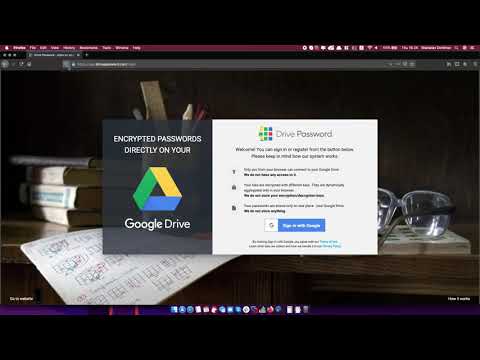
In order to create a Drive Password account or simply to login, you need to allow the Google Cookies. This video is a short guide on how to do it.
More details and step by step guide can be found here
drivepassword.com/how-to-allow-google-cookies-o…
More details and step by step guide can be found here
drivepassword.com/how-to-allow-google-cookies-o…
About this tutorial
Drive Password Secret manager published this 0:14 video tutorial on November 28, 2019. It has been watched 72 times on YouTube.
- Category
- People & Blogs
- Duration
- 0:14
- Published
- November 28, 2019
- Views
- 72
Share
This tutorial in other languages
- FRComment activer les cookies sur Firefox
- ESCómo habilitar cookies en Firefox
- PTComo habilitar cookies no Firefox
- ITCome abilitare i cookie su Firefox
- DESo aktivieren Sie Cookies in Firefox
- NLHet inschakelen van cookies in Firefox
- RUКак включить Cookies в Firefox
- PLJak włączyć Cookies w Firefoksie
- JAFirefoxの上でクッキーを有効にする方法
- ARكيفية تمكين الكوكيز على فايرفوكس
- HIFirefox पर कुकीज़ कैसे सक्षम करें
- IDCara mengaktifkan Cookies di Firefox