Playback starts YouTube’s embedded player (privacy-enhanced mode).
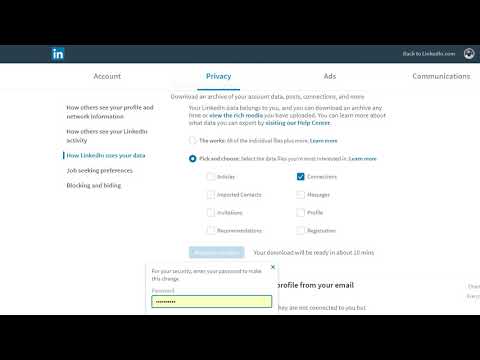
How to Export Your LinkedIn Connections 2019
ChannelJoe ApfelbaumDescription from the creator
Want to know How to Export Your LinkedIn Connections in 2019? Go to your settings, click on data export then select connections and wait till the archive is ready. BOOM. You are ready to go.
About this tutorial
Joe Apfelbaum published this 3:02 video tutorial on November 3, 2019. It has been watched 9,334 times on YouTube.
- Channel
- Joe Apfelbaum
- Category
- People & Blogs
- Duration
- 3:02
- Published
- November 3, 2019
- Views
- 9,334
- Likes
- 67
Share
This tutorial in other languages
- FRComment exporter vos connexions LinkedIn 2019
- ESCómo exportar sus contactos de LinkedIn 2019
- PTComo exportar seus contatos no LinkedIn 2019
- ITCome esportare delle connessioni LinkedIn 2019
- DESo exportieren Sie Ihre LinkedIn-Verbindungen 2019
- NLHoe u uw LinkedIn-connecties 2019 exporteren
- RUКак экспортировать LinkedIn Connections 2019
- PLJak wyeksportować LinkedIn Connections 2019
- JAあなたのLinkedInのコネクション2019をエクスポートする方法
- ARكيفية تصدير اتصالات ينكدين لديك 2019
- HIआपका लिंक्डइन कनेक्शन 2019 निर्यात करने के लिए कैसे
- IDCara Ekspor LinkedIn Koneksi Anda 2019