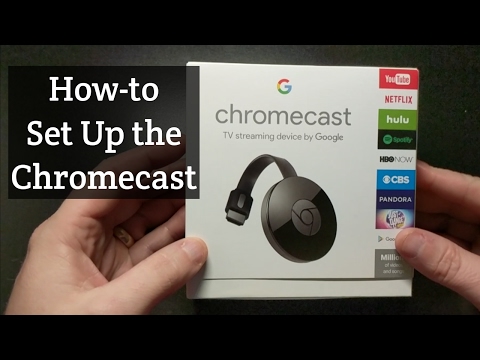
Playback starts YouTube’s embedded player (privacy-enhanced mode).
How to Setup the Google Chromecast
ChannelAwkward BobIn brief
You’ll get your Google Chromecast up and running in minutes, connecting it to your TV and power source for streaming Netflix, YouTube, Hulu, and more. Perfect for anyone new to the device or looking to refresh their setup.
Questions & answers
Can I power the Chromecast without a USB port on my TV?
Yes, use the included power plug instead.
Which streaming services work with the Chromecast?
Netflix, YouTube, Hulu, and many others.
Description from the creator
In this video I show you how to set up the Google Chromecast for the first time. If you have any questions, please ask in the comments below. I will be coming out with additional tips/tricks for future videos as well.
The Google Chromecast works great with YouTube, Netflix, Hulu and more!
I always power my chromecast with the usb slot in the back. If your tv does not have a usb port, you can use the included power plug.
The Google Chromecast works great with YouTube, Netflix, Hulu and more!
I always power my chromecast with the usb slot in the back. If your tv does not have a usb port, you can use the included power plug.
About this tutorial
Awkward Bob published this 9:02 video tutorial on November 7, 2017. It has been watched 5,467,905 times on YouTube.
- Channel
- Awkward Bob
- Category
- People & Blogs
- Duration
- 9:02
- Published
- November 7, 2017
- Views
- 5,467,905
- Likes
- 22,166
Tags
Share
This tutorial in other languages
- FRComment installer Google Chromecast
- ESCómo configurar el Google Chromecast
- PTComo configurar o Google Chromecast
- ITCome impostare Google Chromecast
- DEWie stellt man die Google Chrome
- NLHoe je de Google Chromecast
- RUКак настроить Google Chromecast
- PLJak skonfigurować Google Chromecastowi
- JAどのようにGoogleのChromecastのセットアップへ
- ARكيفية إعداد جهاز Chromecast جوجل
- HIकैसे सेटअप गूगल Chromecast से
- IDCara Setup Google Chromecast