Playback starts YouTube’s embedded player (privacy-enhanced mode).
How to Auto Mount Drives in Linux on Boot
ChannelTechHutDescription from the creator
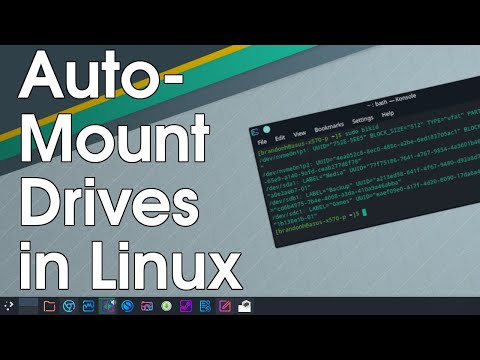
Reviewing how to automatically mount Hard Disk Drives, SSD, USB, and any other mountable storage drives in Linux. We will do this by finding the drive information including the mount point and UUID. We will then create a new mount directory and edit the fstab file with all the information needed to set up auto-mount on startup.
There is a full written tutorial here if you need any of the commands we used in the video as well as screenshots and other helpful information.
techhut.tv/auto-mount-drives-in-linux-fstab/
There is a full written tutorial here if you need any of the commands we used in the video as well as screenshots and other helpful information.
techhut.tv/auto-mount-drives-in-linux-fstab/
About this tutorial
TechHut published this 9:16 video tutorial on September 15, 2020. It has been watched 207,828 times on YouTube.
- Channel
- TechHut
- Category
- Science & Technology
- Duration
- 9:16
- Published
- September 15, 2020
- Views
- 207,828
- Likes
- 3,450
Tags
Share
This tutorial in other languages
- FRComment les lecteurs de montage automatique sous Linux au démarrage
- ESCómo montar Auto unidades en Linux en el arranque
- PTComo Drives Monte Auto em Linux na inicialização
- ITCome montare Auto unità in Linux su Boot
- DEWie man Auto Berg-Laufwerke in Linux on Boot
- NLHoe kan ik Auto Mount Drives in Linux op Boot
- RUКак Auto Mount дисков в Linux при загрузке
- PLJak Napędy automatycznego montowania w Linuksie przy starcie
- JAどのようにブートのLinux上での自動マウントドライブへ
- ARكيفية السيارات جبل محركات الأقراص في لينكس على التمهيد
- HIकैसे बूट पर लिनक्स में ऑटो माउंट ड्राइव करने के लिए
- IDCara Auto Gunung Drives di Linux pada Boot