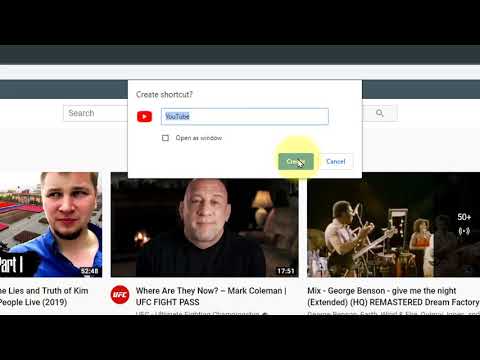
Playback starts YouTube’s embedded player (privacy-enhanced mode).
How to create a shortcut on the Desktop to a website with Google Chrome
ChannelWight ClickDescription from the creator
In this video I will show you how to create a shortcut to a website in Google Chrome. This will place a icon on your desktop which you can then click to visit that website.
About this tutorial
Wight Click published this 0:43 video tutorial on April 11, 2020. It has been watched 1,892 times on YouTube.
- Channel
- Wight Click
- Category
- Science & Technology
- Duration
- 0:43
- Published
- April 11, 2020
- Views
- 1,892
- Likes
- 12
Tags
Share
This tutorial in other languages
- FRComment créer un raccourci sur le bureau vers un site Web avec Google Chrome
- ESCómo crear un acceso directo en el escritorio a un sitio web con Google Chrome
- PTComo criar um atalho na área de trabalho para um site com o Google Chrome
- ITCome creare un collegamento sul desktop per un sito web con Google Chrome
- DEWie eine Verknüpfung auf dem Desktop auf eine Website mit Google Chrome erstellen
- NLHoe maak je een snelkoppeling op het bureaublad te creëren om een website met Google Chrome
- RUКак создать ярлык на рабочем столе для веб-сайта с Google Chrome
- PLJak utworzyć skrót na pulpicie do strony z Google Chrome
- JAGoogle Chromeのでウェブサイトにデスクトップにショートカットを作成する方法
- ARكيفية إنشاء اختصار على سطح المكتب إلى موقع على شبكة الانترنت مع جوجل كروم
- HIगूगल क्रोम के साथ एक वेबसाइट के लिए डेस्कटॉप पर एक शॉर्टकट बनाने के लिए कैसे
- IDCara membuat shortcut pada Desktop ke situs web dengan Google Chrome