Playback starts YouTube’s embedded player (privacy-enhanced mode).
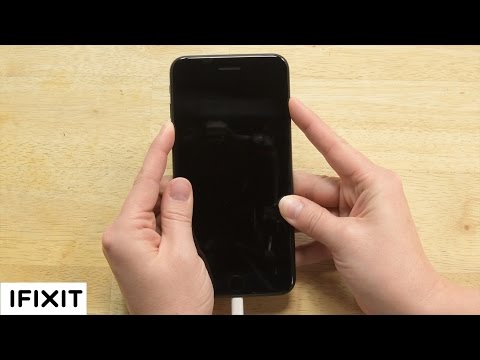
How To: Get into DFU Mode on your iPhone!
ChanneliFixitDescription from the creator
One of our users, Alex, messaged us saying that his iPhone 5 was acting funny after he updated to iOS 10, and he wanted to know if it was possible to downgrade to an earlier version of iOS. We figured a lot of people probably run into this issue so we thought we would make a video to help out! We will walk you through the process for iPhone 6 Plus and older, as well as iPhone 7. The process is a little different because the iPhone 7 has a solid state home button.
Unfortunately you can only downgrade to a iOS that Apple is still signing, or authorizing.
Subscribe to our channel for all our latest teardown and repair videos!
youtube.com/subscription_center?add_user=ifixit…
Follow us on Twitter: twitter.com/ifixit
Check us out on Facebook: facebook.com/iFixit
Unfortunately you can only downgrade to a iOS that Apple is still signing, or authorizing.
Subscribe to our channel for all our latest teardown and repair videos!
youtube.com/subscription_center?add_user=ifixit…
Follow us on Twitter: twitter.com/ifixit
Check us out on Facebook: facebook.com/iFixit
About this tutorial
iFixit published this 3:06 video tutorial on October 27, 2017. It has been watched 1,167,236 times on YouTube.
- Channel
- iFixit
- Category
- Science & Technology
- Duration
- 3:06
- Published
- October 27, 2017
- Views
- 1,167,236
- Likes
- 4,444
Tags
Share
This tutorial in other languages
- FRComment faire pour entrer en mode DFU sur votre iPhone!
- ESCómo: Obtener en modo DFU en su iPhone!
- PTComo fazer: entrar em modo DFU em seu iPhone!
- ITCome: entrare in modalità DFU il vostro iPhone!
- DEHow To: Holen Sie sich in den DFU-Modus auf Ihrem iPhone!
- NLHow To Get in DFU-modus op uw iPhone!
- RUКак: Получить в режиме DFU на вашем iPhone!
- PLJak: dostać się do trybu DFU na iPhone!
- JA方法:あなたのiPhoneにDFUモードに入ります!
- ARكيفية: الدخول في وضع DFU على اي فون الخاص بك!
- HIकैसे: अपने iPhone पर DFU मोड में जाओ!
- IDCara: Masuk ke DFU Mode pada iPhone Anda!