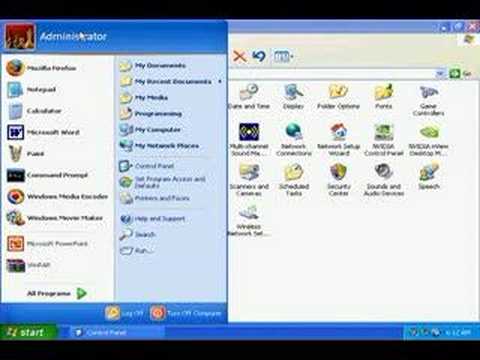
Playback starts YouTube’s embedded player (privacy-enhanced mode).
How to Hide a User Account in Windows XP
Channelwartex8Description from the creator
Start-Run regedit
HKey Local Machine/Software/Microsoft/Windows NT/Current Version/Winlogin/Special Accounts/Userlist
Right click and choose the add new dword option. Name the file the username you wish to hide. Enjoy!
~Wartex8
Embed HTML code can be found at
revver.com/video/636458/how-to-hide-a-user-acco…
HKey Local Machine/Software/Microsoft/Windows NT/Current Version/Winlogin/Special Accounts/Userlist
Right click and choose the add new dword option. Name the file the username you wish to hide. Enjoy!
~Wartex8
Embed HTML code can be found at
revver.com/video/636458/how-to-hide-a-user-acco…
About this tutorial
wartex8 published this 2:55 video tutorial on November 9, 2008. It has been watched 26,682 times on YouTube.
- Channel
- wartex8
- Category
- Science & Technology
- Duration
- 2:55
- Published
- November 9, 2008
- Views
- 26,682
- Likes
- 50
Tags
Share
This tutorial in other languages
- FRComment cacher un compte utilisateur dans Windows XP
- ESCómo ocultar una cuenta de usuario en Windows XP
- PTComo ocultar uma conta de usuário no Windows XP
- ITCome nascondere un account utente in Windows XP
- DEWie ein Benutzerkonto in Windows XP verbergen
- NLHoe maak je een gebruikersaccount in Windows XP verbergen
- RUКак скрыть учетную запись пользователя в Windows XP
- PLJak ukryć konto użytkownika w systemie Windows XP
- JAWindows XPでユーザーアカウントを非表示にする方法
- ARكيفية إخفاء حساب المستخدم في نظام التشغيل Windows XP
- HIकैसे Windows XP में एक उपयोगकर्ता खाता छिपाने के लिए
- IDCara Sembunyikan User Account di Windows XP