Playback starts YouTube’s embedded player (privacy-enhanced mode).
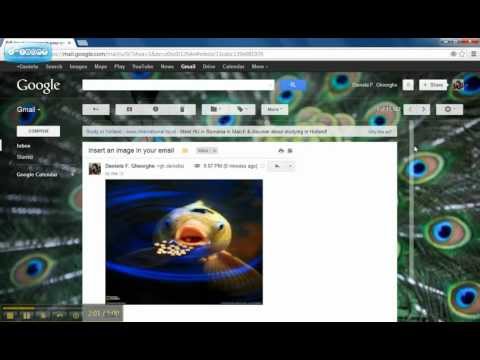
How to insert an image in your email body (in Gmail)
ChannelDaniela F. GheorgheDescription from the creator
To everyone who had problems finding this Lab: Gmail is now having this lab automatically activated for every email. You can find the icon in the compose email panel, next to text formatting options.
This is how to enable the Inserting Image Labs in your Gmail account. Doing this will allow you to insert images into a message body when composing an email. You can upload and insert image files in your computer, or insert images by URLs.
This is how to enable the Inserting Image Labs in your Gmail account. Doing this will allow you to insert images into a message body when composing an email. You can upload and insert image files in your computer, or insert images by URLs.
About this tutorial
Daniela F. Gheorghe published this 2:08 video tutorial on October 31, 2013. It has been watched 129,996 times on YouTube.
- Channel
- Daniela F. Gheorghe
- Category
- Science & Technology
- Duration
- 2:08
- Published
- October 31, 2013
- Views
- 129,996
- Likes
- 339
Tags
Share
This tutorial in other languages
- FRComment insérer une image dans votre corps e-mail (Gmail)
- ESCómo insertar una imagen en el cuerpo de correo electrónico (en Gmail)
- PTComo inserir uma imagem no seu corpo e-mail (no Gmail)
- ITCome inserire un'immagine nel vostro corpo e-mail (in Gmail)
- DEWie ein Bild in Ihrem E-Mail-Körper einzuführen (in Gmail)
- NLHoe kan ik een afbeelding in te voegen in uw e-mail lichaam (in Gmail)
- RUКак вставить изображение в теле письма (в Gmail)
- PLJak wstawić obraz w organizmie e-mail (w Gmailu)
- JAどのようにあなたの電子メールの本文に画像を挿入する(Gmailの)
- ARكيفية إدراج صورة في هيئة البريد الإلكتروني الخاص بك (في Gmail)
- HIकैसे अपने ईमेल के शरीर में एक चित्र सम्मिलित करने (Gmail में)
- IDCara menyisipkan gambar di dalam tubuh email Anda (di Gmail)