Playback starts YouTube’s embedded player (privacy-enhanced mode).
How To Make A PC Keyboard Work On A Mac
ChannelHeadless CreatorDescription from the creator
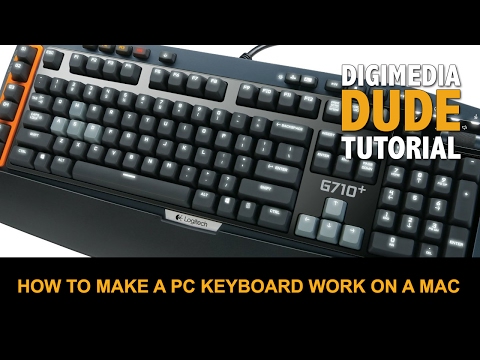
I upgraded my Mac keyboard to the Logitech G710+ so that I can create macros for all my apps (Photoshop, Lightroom, Premiere Pro, etc.), plus I really wanted a mechanical keyboard. That’s great news. What was not so great was the Option and Command keys are reversed on a PC keyboard. In this episode, I show you how to remap those keys so that they are in the correct position for us Mac users! Review of the G710+ coming soon!
Follow me on Twitter:
twitter.com/digimediadude
Like my Facebook Page:
facebook.com/digimediadude
Follow me on Instagram:
instagram.com/digimediadude
And don't forget to subscribe to my channel!
youtube.com/c/digimediadude?sub_confirmation=1
Follow me on Twitter:
twitter.com/digimediadude
Like my Facebook Page:
facebook.com/digimediadude
Follow me on Instagram:
instagram.com/digimediadude
And don't forget to subscribe to my channel!
youtube.com/c/digimediadude?sub_confirmation=1
About this tutorial
Headless Creator published this 2:47 video tutorial on November 12, 2016. It has been watched 170,193 times on YouTube.
- Channel
- Headless Creator
- Category
- Science & Technology
- Duration
- 2:47
- Published
- November 12, 2016
- Views
- 170,193
- Likes
- 1,624
Tags
Share
This tutorial in other languages
- FRComment faire un travail de clavier PC sur un Mac
- ESCómo hacer un teclado de la PC Trabajo en un Mac
- PTComo Fazer Um PC Keyboard Trabalho em um Mac
- ITCome fare un PC tastiera lavoro su un Mac
- DEWie man Arbeit Tastatur Ein PC auf einem Mac
- NLHoe maak je een PC-toetsenbord op een Mac
- RUКак сделать PC Keyboard работать на Mac
- PLJak zrobić klawiatury PC pracować na komputerze Mac
- JAA MacのA PCのキーボードを動作させるためにどのように
- ARكيفية جعل PC العمل لوحة المفاتيح على ماك
- HIPC कीबोर्ड कार्य एक मैक पर बनाने के लिए कैसे
- IDCara Membuat Sebuah PC Keyboard Kerja On A Mac