Playback starts YouTube’s embedded player (privacy-enhanced mode).
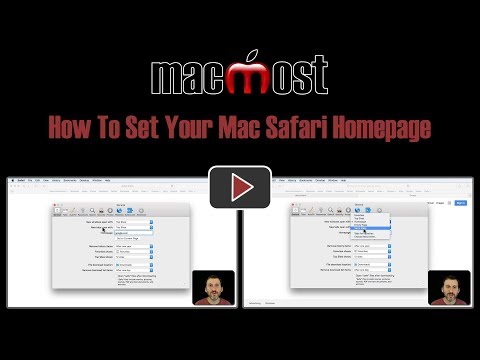
How To Set Your Mac Safari Homepage (#1692)
ChannelmacmostvideoDescription from the creator
macmost.com/e-1692 You can set your Safari home page to any page on any site. However, this won't actually affect much unless you also set other options in your Safari Preferences. Even then, when you quit Safari and relaunch it, you'll probably just see the same pages you had open previously, unless you close all of Safari's windows before quitting.
About this tutorial
macmostvideo published this 3:38 video tutorial on November 10, 2018. It has been watched 18,440 times on YouTube.
- Channel
- macmostvideo
- Category
- Science & Technology
- Duration
- 3:38
- Published
- November 10, 2018
- Views
- 18,440
- Likes
- 100
Tags
Share
This tutorial in other languages
- FRComment faire pour configurer votre Mac Safari Page d'accueil (# 1692)
- ESCómo configurar su Página de Safari Mac (# 1692)
- PTComo definir o seu Mac Safari Homepage (# 1692)
- ITCome configurare il computer Mac Safari Homepage (# 1692)
- DEWie Einrichten Ihres Mac Safari Homepage (# 1692)
- NLHow To Set Your Mac Safari Homepage (# 1692)
- RUКак установить Mac Safari Домашняя страница (# 1692)
- PLJak ustawić Mac Safari Strona www (# 1692)
- JAお使いのMacのSafariのホームページ(#1692)を設定する方法
- ARكيفية تعيين لديك ماك سفاري الصفحة الرئيسية (# 1692)
- HIआपका मैक सफारी मुखपृष्ठ (# 1692) सेट करने के लिए कैसे
- IDCara Set Anda Mac Safari Homepage (# 1692)