Playback starts YouTube’s embedded player (privacy-enhanced mode).
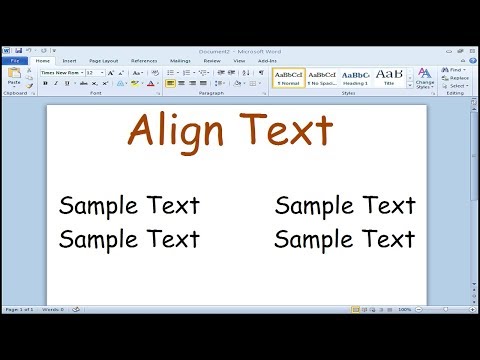
How to align text on left and right side in Microsoft Word
ChannelFigureAssistDescription from the creator
Learn how to align the text on the same line on the left and right hand side of your Microsoft Word document.
1. Enable Ruler, Go to 'View' tab and check 'Ruler'
2. Change the 'left tab' to 'right tab'
3. Place the 'right tab' on the ruler and adjust the tab
4. As you type you can now press 'tab' on your keyboard to start writing on either side of your Word document
Having proper alignment of text in your Word document is important in formatting professional documents such as resumes.
1. Enable Ruler, Go to 'View' tab and check 'Ruler'
2. Change the 'left tab' to 'right tab'
3. Place the 'right tab' on the ruler and adjust the tab
4. As you type you can now press 'tab' on your keyboard to start writing on either side of your Word document
Having proper alignment of text in your Word document is important in formatting professional documents such as resumes.
About this tutorial
FigureAssist published this 1:01 video tutorial on October 27, 2017. It has been watched 850,489 times on YouTube.
- Channel
- FigureAssist
- Category
- Education
- Duration
- 1:01
- Published
- October 27, 2017
- Views
- 850,489
- Likes
- 3,841
Tags
Share
This tutorial in other languages
- FRComment aligner le texte sur le côté gauche et à droite dans Microsoft Word
- ESCómo alinear el texto en el lado izquierdo y derecho en Microsoft Word
- PTComo texto alinhar no lado esquerdo e direito em Microsoft Word
- ITCome il testo align sul lato destro e sinistro in Microsoft Word
- DEWie man align Text auf der linken und rechten Seite in Microsoft Word
- NLHoe te align tekst op links en rechts in Microsoft Word
- RUКак выровнять текст по левой и правой стороне в Microsoft Word
- PLJak wyrównać tekst na lewej i prawej strony w programie Microsoft Word
- JAどのようにMicrosoft Wordの左側と右側に整列テキストに
- ARكيفية محاذاة النص على الجانب الأيسر والأيمن في Microsoft Word
- HIकैसे माइक्रोसॉफ्ट वर्ड में छोड़ दिया और सही पक्ष पर संरेखित करें करने के लिए
- IDCara Teks rata di sisi kiri dan kanan di Microsoft Word