Playback starts YouTube’s embedded player (privacy-enhanced mode).
How to Calculate the Ratio of Two Numbers in Excel
ChannelFigureAssistDescription from the creator
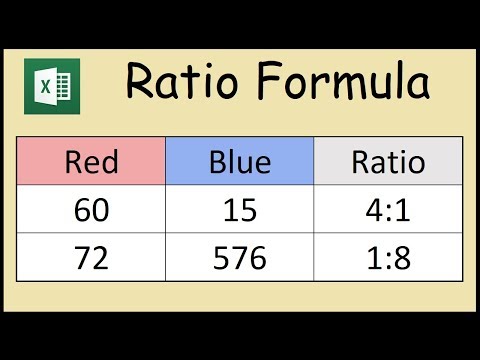
The ratio of two numbers can be calculated in Microsoft Excel by using a formula that includes the GCD (greatest common divisor) of the two numbers with symbol: '&' to concatenate strings.
The formula used in this example to calculate the ratio is:
=D4/GCD(D4:E4)&":"&E4/GCD(D4:E4)
The formula used in this example to calculate the ratio is:
=D4/GCD(D4:E4)&":"&E4/GCD(D4:E4)
About this tutorial
FigureAssist published this 1:34 video tutorial on November 1, 2019. It has been watched 161,915 times on YouTube.
- Channel
- FigureAssist
- Category
- Education
- Duration
- 1:34
- Published
- November 1, 2019
- Views
- 161,915
- Likes
- 752
Tags
Share
This tutorial in other languages
- FRComment calculer le ratio de deux nombres dans Excel
- ESCómo calcular el cociente de dos números en Excel
- PTComo calcular o rácio de dois números no Excel
- ITCome calcolare il rapporto tra due numeri in Excel
- DEWie das Verhältnis zweier Zahlen in Excel berechnen
- NLHoe de verhouding van twee getallen in Excel Bereken
- RUКак рассчитать отношение двух чисел в Excel
- PLJak obliczyć stosunek dwóch liczb w programie Excel
- JAExcelで2つの数の比率を計算する方法
- ARكيفية حساب نسبة من رقمين في Excel
- HIExcel में दो संख्याओं का अनुपात की गणना कैसे
- IDCara Menghitung Rasio Dua Bilangan di Excel