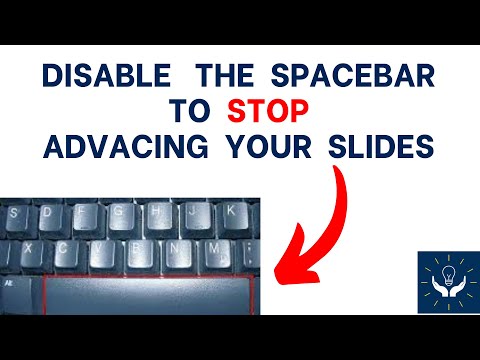
Playback starts YouTube’s embedded player (privacy-enhanced mode).
How to Disable the Spacebar from Advancing the Slides in Presentation Mode
ChannelMath TreasuresDescription from the creator
Disable the Keyboard Spacebar so your audience cannot advance to slides in presentation mode.
About this tutorial
Math Treasures published this 3:24 video tutorial on July 26, 2020. It has been watched 7,325 times on YouTube.
- Channel
- Math Treasures
- Category
- Education
- Duration
- 3:24
- Published
- July 26, 2020
- Views
- 7,325
- Likes
- 42
Tags
Share
This tutorial in other languages
- FRComment désactiver la barre d'espace d'avancer les diapositives en mode Présentation
- ESCómo deshabilitar la barra espaciadora avanzar las diapositivas en modo de presentación
- PTComo desativar a barra de espaço de avançar as lâminas em Modo de apresentação
- ITCome disattivare la barra spaziatrice di avanzare le diapositive in modalità di presentazione
- DEWie man die Leer Deaktivieren Sie die Folien in Präsentationsmodus von Advancing
- NLHoe de spatiebalk uitschakelen van Advancing de dia's in presentatiemodus
- RUКак отключить пробел.Размеры из Выросших слайдов в режиме презентации
- PLJak wyłączyć klawisz spacji z Udoskonalenie slajdy w trybie prezentacji
- JAプレゼンテーションモードでスライドを進めるから、スペースバーを無効にする方法
- ARكيفية تعطيل المسافة من النهوض الشرائح في وضع العرض
- HIप्रस्तुतिकरण मोड में स्लाइड आगे बढ़ने से स्पेस बार अक्षम करने के लिए कैसे
- IDCara Nonaktifkan Spacebar dari Memajukan Slide di Presentation Mode