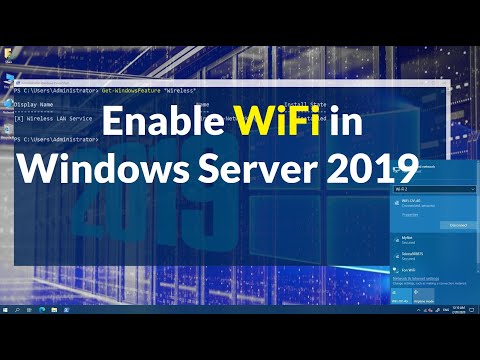
Playback starts YouTube’s embedded player (privacy-enhanced mode).
How to Enable WiFi in Windows Server 2019
ChannelTECHNIGDescription from the creator
The Wireless LAN service is a feature in Windows Server® 201x that you can use to enable the wireless WLAN AutoConfig service and to configure the WLAN AutoConfig service for automatic startup. Once enabled, the WLAN AutoConfig service dynamically selects which wireless network the computer automatically connects to, and configures the necessary settings on the wireless network adapter. This includes automatically selecting and connecting to a more preferred wireless network when one becomes available.
How to enable Wireless in Windows Server? Article
technig.com/enable-wireless-windows-server/
To enable the Wireless LAN Service using GUI.
In Server Manager Dashboard, click Manage, and then click Add Roles and Features. The Add Roles and Features Wizard open.
Click Next. In Select installation type, select Role-based or feature-based installation, and then click Next.
In Select destination server, enable Select a server from the server pool, and in Server Pool, select the server for which you want to enable the Wireless LAN Service, and then click Next.
In Select server roles, click Next.
In Select Server features, in Features, select Wireless LAN Service, and then click Next.
How to enable Wireless in Windows Server? Article
technig.com/enable-wireless-windows-server/
To enable the Wireless LAN Service using GUI.
In Server Manager Dashboard, click Manage, and then click Add Roles and Features. The Add Roles and Features Wizard open.
Click Next. In Select installation type, select Role-based or feature-based installation, and then click Next.
In Select destination server, enable Select a server from the server pool, and in Server Pool, select the server for which you want to enable the Wireless LAN Service, and then click Next.
In Select server roles, click Next.
In Select Server features, in Features, select Wireless LAN Service, and then click Next.
About this tutorial
TECHNIG published this 1:21 video tutorial on March 15, 2020. It has been watched 79,304 times on YouTube.
Tags
Share
This tutorial in other languages
- FRComment activer le WiFi dans Windows Server 2019
- ESCómo activar el Wi-Fi en Windows Server 2019
- PTComo ativar o Wi-Fi no Windows Server 2019
- ITCome attivare la connessione Wi-Fi in Windows Server 2019
- DESo aktivieren Sie WLAN in Windows Server 2019
- NLHoe kan ik Wi-Fi inschakelen in Windows Server 2019
- RUКак включить WiFi в Windows Server 2019
- PLJak włączyć WiFi w systemie Windows Server 2019
- JAWindows Serverの2019年のWiFiを有効にする方法
- ARكيفية تمكين واي فاي في Windows Server 2019
- HIविंडोज सर्वर 2019 में वाईफ़ाई सक्षम कैसे
- IDCara Aktifkan WiFi di Windows Server 2019