Playback starts YouTube’s embedded player (privacy-enhanced mode).
How to Set Up DocAppender
ChannelGary JohnstonDescription from the creator
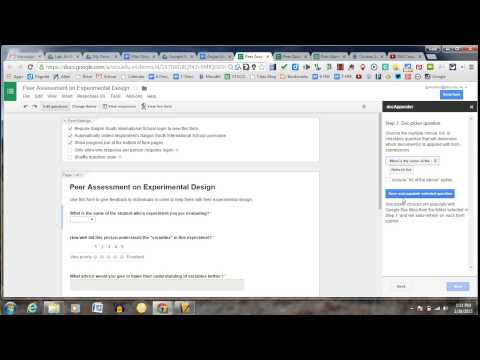
DocAppender is easy to use form and document merge tool that is handy if you or students are giving feedback on google docs. I've used this in the science classroom for peer review of experimental design, but I've also seen this used in writers workshop.
Basically, what it does it takes a form submission, (say a peer evaluation) and pastes the submissions into the bottom of a specific document. This is a quick tutorial should get you started and I reccommend using "Doctopus" to create and name student files in a folder prior to running this "add-on". Enjoy!
Basically, what it does it takes a form submission, (say a peer evaluation) and pastes the submissions into the bottom of a specific document. This is a quick tutorial should get you started and I reccommend using "Doctopus" to create and name student files in a folder prior to running this "add-on". Enjoy!
About this tutorial
Gary Johnston published this 6:14 video tutorial on October 29, 2015. It has been watched 1,905 times on YouTube.
- Channel
- Gary Johnston
- Category
- Education
- Duration
- 6:14
- Published
- October 29, 2015
- Views
- 1,905
- Likes
- 5
Tags
Share
This tutorial in other languages
- FRComment mettre en place DocAppender
- ESCómo configurar DocAppender
- PTComo configurar DocAppender
- ITCome impostare DocAppender
- DEWie Einrichten DocAppender
- NLHoe het opzetten van DocAppender
- RUКак настроить DocAppender
- PLJak skonfigurować DocAppender
- JAどのようにセットアップDocAppenderへ
- ARكيفية إعداد DocAppender
- HIकैसे ऊपर DocAppender सेट करने के लिए
- IDCara Set Up DocAppender