Playback starts YouTube’s embedded player (privacy-enhanced mode).
How To Update Facebook Relationship Status On Android
ChannelWebPro EducationDescription from the creator
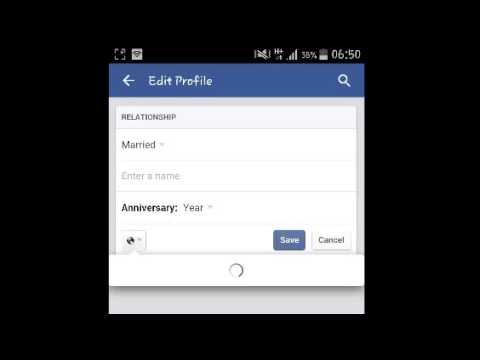
Learn how to quickly update your Facebook relationship status on Facebook for Android.
The Facebook app for Android allows users to update their relationship status.
Launch the Facebook app on your device and sign in to your account.
Navigate to your profile page and tap on the 'Info' button.
Scroll down to the relationships section and update as you will.
Use the audience selector to specify the privacy level of the update.
The Facebook app for Android allows users to update their relationship status.
Launch the Facebook app on your device and sign in to your account.
Navigate to your profile page and tap on the 'Info' button.
Scroll down to the relationships section and update as you will.
Use the audience selector to specify the privacy level of the update.
About this tutorial
WebPro Education published this 1:58 video tutorial on November 1, 2016. It has been watched 245,955 times on YouTube.
- Channel
- WebPro Education
- Category
- Education
- Duration
- 1:58
- Published
- November 1, 2016
- Views
- 245,955
- Likes
- 958
Tags
Share
This tutorial in other languages
- FRComment mettre à jour Facebook sur Android État relation
- ESCómo actualizar Facebook Relación Estado En Android
- PTComo Status para atualizar Facebook Relacionamento On Android
- ITCome aggiornare Facebook Situazione sentimentale Su Android
- DEWie Aktualisieren von Facebook Beziehungsstatus auf Android
- NLHoe updaten Facebook Relatie status Op Android
- RUКак обновить Facebook Семейное положение на Android
- PLJak Status Do Aktualizacja Facebook związku na Androidzie
- JAどのようにアンドロイドONに更新Facebookの関係の状況
- ARكيف الحالة لتحديث الفيسبوك العلاقة على الروبوت
- HIकैसे एंड्रॉयड पर करने के लिए अद्यतन फेसबुक संबंध स्थिति
- IDBagaimana Status Untuk Perbarui Facebook Hubungan Pada Android