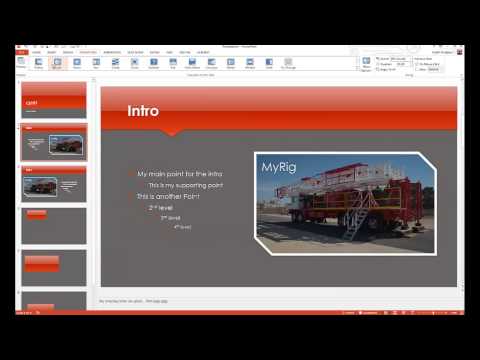
Playback starts YouTube’s embedded player (privacy-enhanced mode).
How to Add Transitions to a PowerPoint Presentation
ChanneledutechionalDescription from the creator
This tutorial explains how to add, edit and manage transitions for a Microsoft PowerPoint slideshow presentation. The topics cover the ability to add a variety of transitions, customize timing, adding sounds, applying one transition to all slides and how to turn a presentation into an auto play video. For more tutorials, please visit: edutechional.com
About this tutorial
edutechional published this 8:16 video tutorial on October 31, 2013. It has been watched 944 times on YouTube.
- Channel
- edutechional
- Category
- Howto & Style
- Duration
- 8:16
- Published
- October 31, 2013
- Views
- 944
- Likes
- 6
Tags
Share
This tutorial in other languages
- FRComment ajouter des transitions à une présentation PowerPoint
- ESCómo añadir transiciones a una presentación de PowerPoint
- PTComo adicionar transições para uma apresentação do PowerPoint
- ITCome aggiungere transizioni a una presentazione di PowerPoint
- DESo fügen Sie Übergänge in einer Powerpoint-Präsentation
- NLHoe te Overgangen toevoegen aan een PowerPoint-presentatie
- RUКак добавить переходы в презентации PowerPoint
- PLJak dodać Przejścia do PDF
- JAパワーポイントのプレゼンテーションにトランジションを追加する方法
- ARكيفية إضافة للانتقال إلى عرض تقديمي ل PowerPoint
- HIकैसे एक PowerPoint प्रस्तुति के लिए संक्रमण जोड़ें
- IDBagaimana Tambahkan Transisi ke Presentasi PowerPoint