Playback starts YouTube’s embedded player (privacy-enhanced mode).
How To - Change Lock Screen Settings on Mac
ChannelBen RimesDescription from the creator
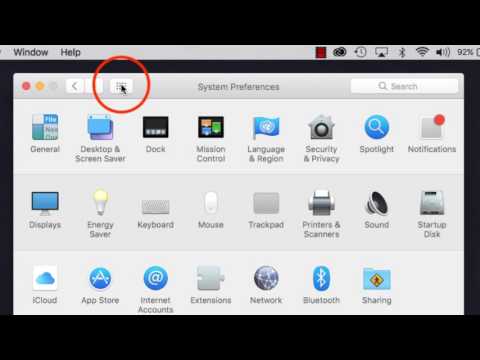
Have an annoyingly short amount of time before your Mac's screen lock kicks in? Or just want to to change the settings to make your Mac more secure? This will walk you through two places where you can change how quickly your Mac goes to sleep, and how quickly it will lock your screen to protect your information.
About this tutorial
Ben Rimes published this 2:39 video tutorial on October 31, 2017. It has been watched 178,607 times on YouTube.
- Channel
- Ben Rimes
- Category
- Howto & Style
- Duration
- 2:39
- Published
- October 31, 2017
- Views
- 178,607
- Likes
- 721
Tags
Share
This tutorial in other languages
- FRComment - Modifier les paramètres de l'écran de verrouillage sur Mac
- ESCómo - Cambio del Bloqueo de ajustes de la pantalla en Mac
- PTHow To - Definições da Tela mudança de bloqueio no Mac
- ITCome - cambiare blocco delle impostazioni dello schermo su Mac
- DEHow To - Change Lock Screen-Einstellungen auf dem Mac
- NLHow To - Change Lock Screen-instellingen op de Mac
- RUКак - Изменение блокировки настройки экрана на Mac
- PLJak - Zmiana ustawień ekranu blokady na Mac
- JAどのようにするには - Mac上の変更ロック画面の設定
- ARكيفية - إعدادات الشاشة تغيير قفل على ماك
- HIकैसे करने के लिए - मैक पर ताला बदलें स्क्रीन सेटिंग
- IDCara - Ganti Lock Screen Settings di Mac