Playback starts YouTube’s embedded player (privacy-enhanced mode).
How to Fix Red Eye Photos on iPhone
ChannelHowfinityDescription from the creator
Fixing red-eye photos is very simple on iOS. If you took the picture with flash on with your iPhone or iPad, there is a chance that it created an unwanted red-eye effect.
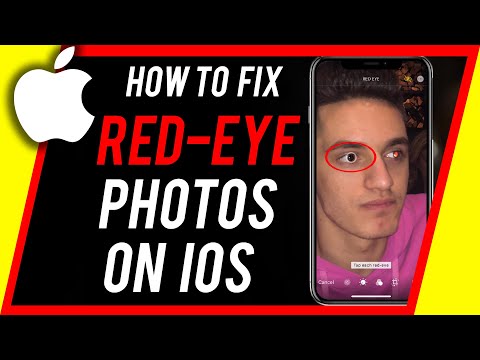
Inside of the edit menu for pictures on iOS, there is a red-eye button right on top of the page.
You can simply click on that icon and click on each eye, one at a time.
That should fix red-eye issues in your photo. If it doesn't, revert the edits and make sure you zoom in far enough to only select the eyes.
Inside of the edit menu for pictures on iOS, there is a red-eye button right on top of the page.
You can simply click on that icon and click on each eye, one at a time.
That should fix red-eye issues in your photo. If it doesn't, revert the edits and make sure you zoom in far enough to only select the eyes.
About this tutorial
Howfinity published this 1:21 video tutorial on August 12, 2020. It has been watched 110,877 times on YouTube.
- Channel
- Howfinity
- Category
- Howto & Style
- Duration
- 1:21
- Published
- August 12, 2020
- Views
- 110,877
- Likes
- 671
Tags
Share
This tutorial in other languages
- FRComment Red Eye Fix Photos sur iPhone
- ESCómo corrección de ojos rojos fotos en iPhone
- PTComo corrigir olhos vermelhos Fotos no iPhone
- ITCome risolvere Red Eye Foto su iPhone
- DEWie man Red Eye Fotos auf dem iPhone Fix
- NLHow To Fix Red Eye Foto's op de iPhone
- RUКак исправить Red Eye фотографии на iPhone
- PLJak naprawić Zdjęcia Czerwone oko na iPhone
- JAiPhone上の赤目の写真を修正する方法
- ARكيفية إصلاح صور العين الحمراء على اي فون
- HIठीक करने के लिए कैसे iPhone पर रेड आई तस्वीरें
- IDCara Perbaiki Foto Red Eye pada iPhone