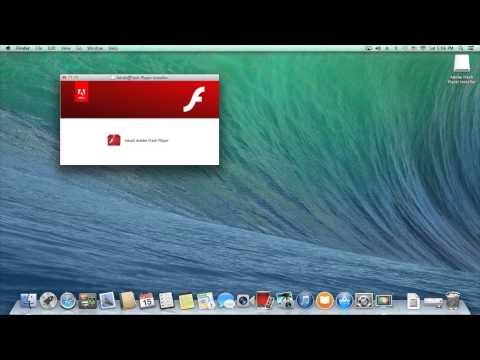
Playback starts YouTube’s embedded player (privacy-enhanced mode).
How to Install Adobe Flash Player for Mac OS X
ChannelCityMacDescription from the creator
Step by step instructions on how to Install Adobe Flash Player for Mac OS X.
If you can't watch this video because you do not have flash you can watch it a the link below.
citymac.com/blog/2014/03/20/how-to-install-adob…
TD Curran is now CityMac! Same people, same products, same services - new name.
Check us out at citymac.com
If you can't watch this video because you do not have flash you can watch it a the link below.
citymac.com/blog/2014/03/20/how-to-install-adob…
TD Curran is now CityMac! Same people, same products, same services - new name.
Check us out at citymac.com
About this tutorial
CityMac published this 2:08 video tutorial on November 13, 2014. It has been watched 353,528 times on YouTube.
- Channel
- CityMac
- Category
- Howto & Style
- Duration
- 2:08
- Published
- November 13, 2014
- Views
- 353,528
- Likes
- 813
Tags
Share
This tutorial in other languages
- FRComment faire pour installer Adobe Flash Player pour Mac OS X
- ESCómo instalar Adobe Flash Player para Mac OS X
- PTComo instalar o Adobe Flash Player para Mac OS X
- ITCome installare Adobe Flash Player per Mac OS X
- DESo installieren Sie den Adobe Flash Player für Mac OS X
- NLHoe te installeren Adobe Flash Player voor Mac OS X
- RUКак установить Adobe Flash Player для Mac OS X
- PLJak zainstalować Adobe Flash Player dla systemu Mac OS X
- JAMac OS X用のAdobe Flash Playerをインストールする方法
- ARكيفية تثبيت أدوبي فلاش لاعب لنظام التشغيل Mac OS X
- HIमैक ओएस एक्स के लिए एडोब फ़्लैश प्लेयर स्थापित करने के लिए कैसे
- IDCara Install Adobe Flash Player untuk Mac OS X