Playback starts YouTube’s embedded player (privacy-enhanced mode).
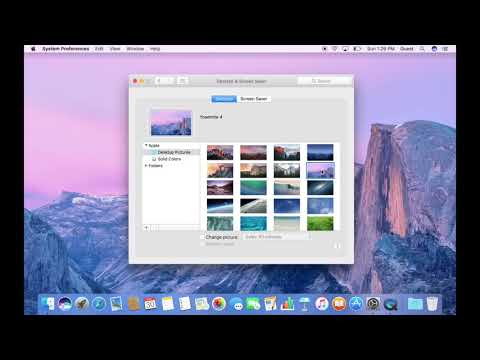
How to Change Desktop Background, Screen Saver, and Dock in macOS
ChannelCityMacDescription from the creator
Customize the look of your Mac with your favorite Desktop Background and Screensaver in this simple tutorial.
About this tutorial
CityMac published this 1:57 video tutorial on October 31, 2017. It has been watched 27,471 times on YouTube.
- Channel
- CityMac
- Category
- Howto & Style
- Duration
- 1:57
- Published
- October 31, 2017
- Views
- 27,471
- Likes
- 99
Tags
Share
This tutorial in other languages
- FRComment faire pour changer d'arrière plan, économiseur d'écran, et Dock sous Mac OS
- ESCómo cambiar fondo de escritorio, salvapantallas, y al muelle en macOS
- PTComo Mudar fundo desktop, protetor de tela e Doca no MacOS
- ITCome Cambia sfondo desktop, screen saver, e Dock in MacOS
- DEWie zu Desktop-Hintergrund ändern, Bildschirmschoner, und Dock in macOS
- NLHoe te wijzigen bureaubladachtergrond, Screen Saver, en Dock in MacOS
- RUКак Изменение фона рабочего стола, хранитель экрана, и док-станции в MacOS
- PLJak zmienić tło pulpitu, wygaszacz ekranu, i dokowania w MacOS
- JAどのように変更するデスクトップの背景、スクリーンセーバー、およびMacOSの中ドックに
- ARكيفية تغيير خلفية سطح المكتب، شاشة التوقف، وحوض في ماك
- HIकैसे करने के लिए डेस्कटॉप पृष्ठभूमि बदलें, स्क्रीन सेवर, और MacOS में डॉक
- IDCara Change Desktop Background, Screen Saver, dan Dock di MacOS