Playback starts YouTube’s embedded player (privacy-enhanced mode).
How to Make a Timeline in Google Slides
ChannelTiger TipsDescription from the creator
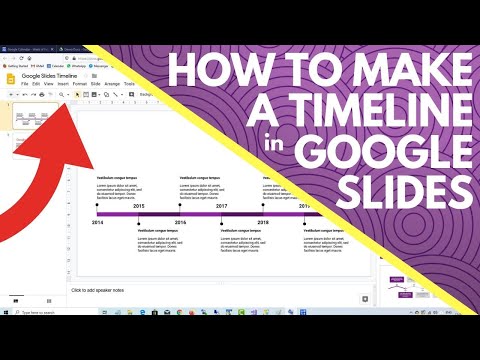
To create a timeline in Google Slides, select the 'insert' menu and then choose the 'diagram' option. A list of types of diagrams will appear on the right hand side of your screen. Select the 'timeline' diagrams option. Various styles of timeline diagram will present from which you can choose the one you prefer. You can configure the timeline to show from 4 to 6 time points and also select the overall colour of the timeline. Once the timeline is on your google slides canvass, you can then edit the text.
About this tutorial
Tiger Tips published this 0:53 video tutorial on February 14, 2020. It has been watched 109,449 times on YouTube.
- Channel
- Tiger Tips
- Category
- Howto & Style
- Duration
- 0:53
- Published
- February 14, 2020
- Views
- 109,449
- Likes
- 1,059
Tags
Share
This tutorial in other languages
- FRComment faire un scénario dans Google Slides
- ESCómo hacer una línea de tiempo en la presentación de Google
- PTComo fazer uma linha de tempo no Google Slides
- ITCome fare una linea temporale in Presentazioni Google
- DEWie man eine Zeitleiste in Google Slides Stellen
- NLHoe maak je een tijdlijn in Google Presentaties maken
- RUКак сделать временную шкалу в Google Слайды
- PLJak zrobić Timeline w Prezentacjach Google
- JAGoogleのスライドにタイムラインを作成する方法
- ARكيفية جعل الجدول الزمني في العروض التقديمية من Google
- HIGoogle स्लाइड में एक समय बनाने के लिए कैसे
- IDCara Membuat Timeline di Google Slide