Playback starts YouTube’s embedded player (privacy-enhanced mode).
How To - Manually Sync Winamp Playlists with Google Music
ChannelMike DePaulDescription from the creator
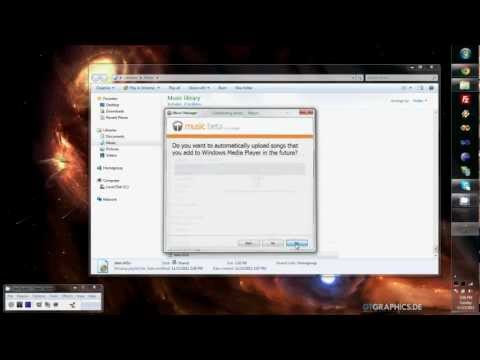
Shows how find your Winamp playlist files on your PC, copy the tracks in those files. Add those tracks to new Windows Media Player playlist files. It also shows the process of using Windows Media Player as the music source for Google Music Manager.
About this tutorial
Mike DePaul published this 5:45 video tutorial on November 2, 2012. It has been watched 6,190 times on YouTube.
- Channel
- Mike DePaul
- Category
- Howto & Style
- Duration
- 5:45
- Published
- November 2, 2012
- Views
- 6,190
- Likes
- 15
Tags
Share
This tutorial in other languages
- FRComment - Listes de lecture manuellement Sync avec Winamp Google Music
- ESCómo sincronizar manualmente - Listas de reproducción de Winamp con Google Music
- PTComo - Manualmente sincronizar as listas Winamp com o Google Music
- ITCome - Manualmente Sync Winamp Playlist con Google Music
- DEHow To - manuell Sync Winamp Playlisten mit Google Music
- NLHow To - handmatig synchroniseren Winamp playlists met Google Music
- RUКак To - вручную синхронизировать Winamp плейлисты с Google Music
- PLJak synchronizować ręcznie Winamp - Listy z Google Music
- JAどのようにするには - Googleの音楽を使って手動で同期Winampのプレイリスト
- ARكيفية - يدويا مزامنة قوائم التشغيل برنامج Winamp مع جوجل الموسيقى
- HIकैसे करने के लिए - मैन्युअल रूप से समन्वयित Winamp Google संगीत के साथ प्लेलिस्ट
- IDCara - manual Sync Winamp Playlist dengan Google Music