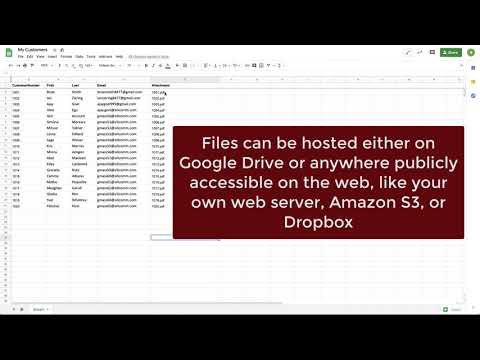
Playback starts YouTube’s embedded player (privacy-enhanced mode).
How to send a mass email with personalized attachments in Gmail (2 minute demo)
ChannelGMassDescription from the creator
Need to send a mass email campaign where an individual file is sent along with each email? Now you can do that right inside Gmail. You'll need:
1. A Gmail account
2. A Google Sheet
3. Your files on Google Drive (or hosted somewhere on the web).
4. GMass installed
Full documentation on this new feature: gmass.co/blog/mass-email-with-personalized-atta…
Install GMass here: chrome.google.com/webstore/detail/gmass-powerfu…
It's free to send up to 50 emails/day. Paid plans for unlimited sending also available at gmass.co/pricing
1. A Gmail account
2. A Google Sheet
3. Your files on Google Drive (or hosted somewhere on the web).
4. GMass installed
Full documentation on this new feature: gmass.co/blog/mass-email-with-personalized-atta…
Install GMass here: chrome.google.com/webstore/detail/gmass-powerfu…
It's free to send up to 50 emails/day. Paid plans for unlimited sending also available at gmass.co/pricing
About this tutorial
GMass published this 2:32 video tutorial on June 14, 2020. It has been watched 116,011 times on YouTube.
- Channel
- GMass
- Category
- Howto & Style
- Duration
- 2:32
- Published
- June 14, 2020
- Views
- 116,011
- Likes
- 740
Share
This tutorial in other languages
- FRComment envoyer un e-mail de masse avec des pièces jointes personnalisées dans Gmail (2 minutes avec la démo)
- ES¿Cómo enviar un correo electrónico masivo con los accesorios personalizados en Gmail (2 minutos de demostración)
- PTComo enviar um e-mail em massa com anexos personalizados no Gmail (2 minutos demo)
- ITCome inviare un e-mail con allegati di massa personalizzati in Gmail (2 minuti demo)
- DEWie eine Masse E-Mail mit personalisierten Anhängen in Gmail (2 Minuten Demo) senden
- NLHoe maak je een massa e-mail te sturen met een persoonsgerichte bijlagen in Gmail (2 minuten demo)
- RUКак отправить массовую электронную почту с персональными вложениями в Gmail (2 минуты демо)
- PLJak wysłać wiadomość e-mail z masową zindywidualizowanych załączniki w Gmailu (2 minuty demo)
- JAどのようにGmailでパーソナライズされた添付ファイル付きのマスメールを送信する(2分のデモ)
- ARكيفية إرسال البريد الإلكتروني مع المرفقات كتلة شخصية في Gmail (2 دقيقة تجريبي)
- HIकैसे Gmail में वैयक्तिकृत अनुलग्नकों के साथ एक बड़े पैमाने पर ईमेल भेजने के लिए (2 मिनट डेमो)
- IDCara mengirim email massal dengan lampiran pribadi di Gmail (2 menit demo)