Playback starts YouTube’s embedded player (privacy-enhanced mode).
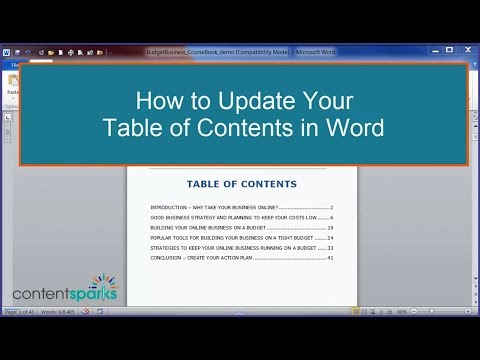
How to Update Table of Contents in Word
ChannelContent SparksDescription from the creator
Need to update your Table of Contents after making changes to your document in Microsoft Word? Here's how.
If you'd like to see the document we used in the demo. It's part of one of our customizable, ready-to-go training programs over at Content Sparks:
contentsparks.com/shop/budget-business
You'll get a complete set of training materials, self-study materilas, and promotional materials for delivering and selling your own courses (online and offline).
If you'd like to see the document we used in the demo. It's part of one of our customizable, ready-to-go training programs over at Content Sparks:
contentsparks.com/shop/budget-business
You'll get a complete set of training materials, self-study materilas, and promotional materials for delivering and selling your own courses (online and offline).
About this tutorial
Content Sparks published this 7:56 video tutorial on October 29, 2015. It has been watched 259,005 times on YouTube.
- Channel
- Content Sparks
- Category
- Howto & Style
- Duration
- 7:56
- Published
- October 29, 2015
- Views
- 259,005
- Likes
- 819
Tags
Share
This tutorial in other languages
- FRComment mettre à jour Table des matières dans Word
- ESCómo actualizar la tabla de contenido en Word
- PTComo atualizar o Índice no Word
- ITCome aggiornare sommario in Word
- DESo aktualisieren Sie Inhaltsverzeichnis in Word
- NLHoe kan Inhoudsopgave bijwerken in Word
- RUКак обновить Содержание в Слове
- PLJak zaktualizować spis treści w programie Word
- JAどのようにWordでコンテンツの更新表へ
- ARكيفية تحديث جدول المحتويات في Word
- HIकैसे वर्ड में सामग्री सूची का अद्यतन करें को
- IDCara Perbarui Daftar Isi di Word