Playback starts YouTube’s embedded player (privacy-enhanced mode).
How to Add Cell Comments in Excel 2016
ChannelFind Easy SolutionDescription from the creator
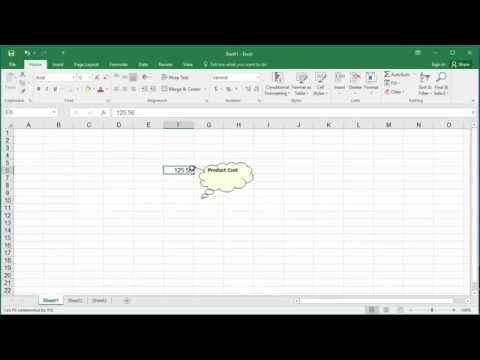
Learn how to add comments to a cell in excel 2016. If you have a cell with some formula to calculate a value and you want to give some information about how the value is calculated then adding the cell comments will display the information. You can display the cell comments always or hide it and display when the cursor is placed on the cell.
About this tutorial
Find Easy Solution published this 4:11 video tutorial on October 26, 2016. It has been watched 51,854 times on YouTube.
- Channel
- Find Easy Solution
- Category
- People & Blogs
- Duration
- 4:11
- Published
- October 26, 2016
- Views
- 51,854
- Likes
- 181
Tags
Share
This tutorial in other languages
- FRComment ajouter des commentaires cellule dans Excel 2016
- ESCómo agregar comentarios de celda en Excel 2016
- PTComo adicionar comentários de célula no Excel 2016
- ITCome aggiungere commenti di cella in Excel 2016
- DEWie to Cell Kommentare in Excel 2016 hinzufügen
- NLHoe kan ik toevoegen Cell Reacties in Excel 2016
- RUКак добавить Cell Комментарии в Excel 2016
- PLJak dodać komórkowych Komentarze w programie Excel 2016
- JAエクセル2016でセルのコメントを追加する方法
- ARكيفية إضافة خلية تعليقات في Excel 2016
- HIकैसे एक्सेल 2016 में सेल टिप्पणियां जोड़ें
- IDBagaimana Tambahkan Sel Komentar di Excel 2016