Playback starts YouTube’s embedded player (privacy-enhanced mode).
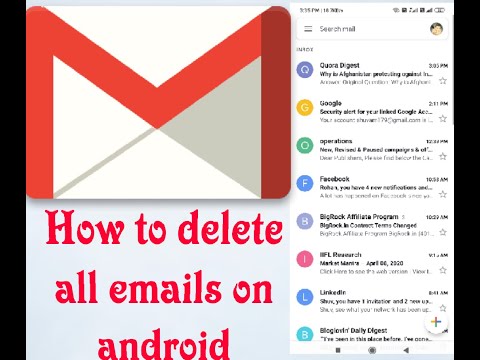
How to delete all emails at once on Android 2020
ChannelwikitoinfoDescription from the creator
Here you will learn that how you can delete your all your emails at once using android phone but not only that this process can be done by using any devices.
1.First you have to open your google chrome
2.than just select desktop site
3.next,search for gmail.com
4.after that , go to "all mail"
5.and than select all the emails
6.next just click on the delete icon at top
1.First you have to open your google chrome
2.than just select desktop site
3.next,search for gmail.com
4.after that , go to "all mail"
5.and than select all the emails
6.next just click on the delete icon at top
About this tutorial
wikitoinfo published this 2:15 video tutorial on April 27, 2020. It has been watched 69,297 times on YouTube.
- Channel
- wikitoinfo
- Category
- People & Blogs
- Duration
- 2:15
- Published
- April 27, 2020
- Views
- 69,297
- Likes
- 695
Tags
Share
This tutorial in other languages
- FRComment supprimer tous les e-mails à la fois sur Android 2020
- ESCómo borrar todos los mensajes de correo electrónico a la vez en Android 2020
- PTComo excluir todos os emails de uma vez no Android 2020
- ITCome eliminare tutte le email in una volta su Android 2020
- DEWie man alle E-Mails auf einmal auf Android 2020 löschen
- NLHoe kan ik alle e-mails in één keer wissen op Android 2020
- RUКак удалить все письма сразу на Android 2020
- PLJak usunąć wszystkie wiadomości e-mail od razu na Android 2020
- JAAndroidの2020年に、一度にすべてのメールを削除する方法
- ARكيفية حذف جميع رسائل البريد الإلكتروني في وقت واحد على الروبوت 2020
- HIकैसे एंड्रॉयड 2020 पर एक बार में सभी ईमेल हटाने की
- IDCara menghapus semua email sekaligus di Android 2020