Playback starts YouTube’s embedded player (privacy-enhanced mode).
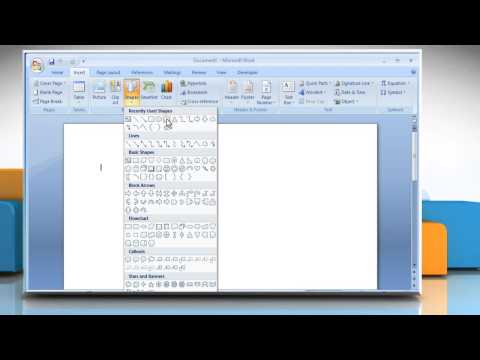
How to add 3D effects to a shape in Microsoft® Word 2007
ChannelHow-To GuideDescription from the creator
By adding the 3-D effect to a shape, it becomes easy to explain a particular shape. Get to know about easy steps to add 3-D effects to a shape in a document in Microsoft® Word 2007 by watching this video.
About this tutorial
How-To Guide published this 1:28 video tutorial on November 10, 2015. It has been watched 6,546 times on YouTube.
- Channel
- How-To Guide
- Category
- Science & Technology
- Duration
- 1:28
- Published
- November 10, 2015
- Views
- 6,546
- Likes
- 27
Tags
Share
This tutorial in other languages
- FRComment ajouter des effets 3D à une forme dans Microsoft Word 2007
- ESCómo agregar efectos 3D a una forma en Microsoft Word 2007
- PTComo adicionar efeitos 3D a uma forma no Microsoft® Word 2007
- ITCome aggiungere effetti 3D a una forma in Microsoft® Word 2007
- DEWie man 3D-Effekte zu einer Form in Microsoft® Word 2007 hinzufügen
- NLHoe kan 3D-effecten toe te voegen aan een vorm in Microsoft Word 2007
- RUКак добавить 3D-эффекты к форме в Microsoft® Word 2007
- PLJak dodać efekty 3D do kształtu w Microsoft Word 2007
- JAマイクロソフトWord 2007の形状に3D効果を追加する方法
- ARكيفية إضافة تأثيرات 3D على شكل في مايكروسوفت وورد 2007
- HIमाइक्रोसॉफ्ट वर्ड 2007 में एक आकार के 3 डी प्रभाव जोड़ने के लिए कैसे
- IDBagaimana untuk menambahkan efek 3D ke bentuk di Microsoft® Word 2007