Playback starts YouTube’s embedded player (privacy-enhanced mode).
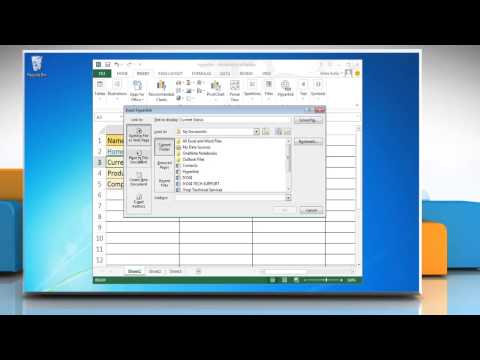
How to create a Hyperlink in Microsoft® Excel
ChannelHow-To GuideDescription from the creator
This video will show you simple steps to create a Hyperlink in Microsoft® Excel 2013.
Content in this video is provided on an "as is" basis with no express or implied warranties whatsoever. Any reference of any third party logos, brand names, trademarks, services marks, trade names, trade dress and copyrights shall not imply any affiliation to such third parties, unless expressly specified.
Content in this video is provided on an "as is" basis with no express or implied warranties whatsoever. Any reference of any third party logos, brand names, trademarks, services marks, trade names, trade dress and copyrights shall not imply any affiliation to such third parties, unless expressly specified.
About this tutorial
How-To Guide published this 1:11 video tutorial on November 2, 2013. It has been watched 15,891 times on YouTube.
- Channel
- How-To Guide
- Category
- Science & Technology
- Duration
- 1:11
- Published
- November 2, 2013
- Views
- 15,891
- Likes
- 23
Tags
Share
This tutorial in other languages
- FRComment créer un lien hypertexte dans Microsoft® Excel
- ESCómo crear un hipervínculo en Microsoft® Excel
- PTComo criar uma hiperligação no Microsoft® Excel
- ITCome creare un collegamento ipertestuale in Microsoft® Excel
- DEWie ein Hyperlink in Microsoft® Excel erstellen
- NLHoe maak je een hyperlink in Microsoft Excel
- RUКак создать гиперссылку в Microsoft® Excel
- PLJak utworzyć hiperłącze w Microsoft® Excel
- JAマイクロソフトExcelでハイパーリンクを作成する方法
- ARكيفية إنشاء ارتباط تشعبي في مايكروسوفت إكسل
- HIमाइक्रोसॉफ्ट एक्सेल में हाइपरलिंक बनाने के लिए कैसे
- IDCara membuat Hyperlink di Microsoft Excel