Playback starts YouTube’s embedded player (privacy-enhanced mode).
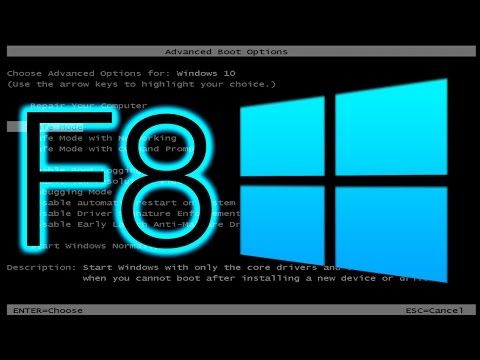
How to Enable F8 Boot Menu for Windows 10/8.1/8
ChannelMartin NobelDescription from the creator
With the release of Windows 8 in 2012, you could no longer by default access the F8 boot menu. However with command prompt, you could actually reverse this and bring back that menu.
COMMAND LINE TO ENABLE BOOT MENU:
bcdedit -set {default} bootmenupolicy Legacy
COMMAND LINE TO DISABLE F8 BOOT MENU:
bcdedit -set {default} bootmenupolicy Standard
SOCIAL LINKS:
TWITTER: twitter.com/NotMartinNobel
COMMAND LINE TO ENABLE BOOT MENU:
bcdedit -set {default} bootmenupolicy Legacy
COMMAND LINE TO DISABLE F8 BOOT MENU:
bcdedit -set {default} bootmenupolicy Standard
SOCIAL LINKS:
TWITTER: twitter.com/NotMartinNobel
About this tutorial
Martin Nobel published this 5:13 video tutorial on November 9, 2016. It has been watched 116,892 times on YouTube.
- Channel
- Martin Nobel
- Category
- Science & Technology
- Duration
- 5:13
- Published
- November 9, 2016
- Views
- 116,892
- Likes
- 514
Tags
Share
This tutorial in other languages
- FRComment faire pour activer F8 Menu de démarrage pour Windows 10 / 8.1 / 8
- ESCómo activar el menú de arranque F8 para Windows 10 / 8,1 / 8
- PTComo ativar F8 Boot Menu for Windows 10 / 8.1 / 8
- ITCome abilitare F8 Menu di avvio per Windows 10 / 8.1 / 8
- DESo aktivieren Sie F8 Boot-Menü für Windows 10 / 8.1 / 8
- NLHoe kan inschakelen F8 Boot Menu for Windows 10 / 8.1 / 8
- RUКак включить F8 меню загрузки для Windows 10 / 8,1 / 8
- PLJak włączyć F8 Boot Menu dla Windows 10 / 8,1 / 8
- JA/ 8.1 / 8のWindows 10用のF8ブートメニューを有効にする方法
- ARكيفية تمكين F8 التمهيد القائمة ويندوز 10 / 8.1 / 8
- HIकैसे विंडोज 10 / 8.1 / 8 के लिए F8 बूट मेनू सक्षम करने के लिए
- IDCara Aktifkan F8 Boot Menu untuk Windows 10 / 8.1 / 8