Playback starts YouTube’s embedded player (privacy-enhanced mode).
How To Install a Desktop Hard Drive
ChannelAustin EvansIn brief
You’ll learn to fit a 2.5" or 3.5" SATA hard drive or SSD into a desktop PC with a free 3.5" bay, then format and initialize it in Windows 7 using Disk Management. It’s a straightforward process for anyone comfortable with basic hardware tasks.
Description from the creator
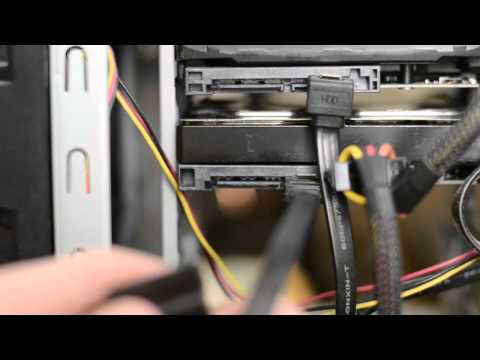
In this video I show you how to install a desktop SATA hard drive in Windows 7. Installing a 2.5" or 3.5" hard drive or SSD isn't difficult as all it requires is a hard drive, a desktop computer with at least one empty 3.5" bay and possibly a screwdriver. I also show you how to format and initialize your new drive in Windows using Disk Management.
About this tutorial
Austin Evans published this 4:37 video tutorial on October 31, 2011. It has been watched 2,527,689 times on YouTube.
- Channel
- Austin Evans
- Category
- Science & Technology
- Duration
- 4:37
- Published
- October 31, 2011
- Views
- 2,527,689
- Likes
- 29,109
Tags
Share
This tutorial in other languages
- FRComment faire pour installer un disque dur de bureau
- ESCómo instalar un disco duro de sobremesa
- PTComo instalar um disco rígido para desktop
- ITCome installare un disco rigido desktop
- DEWie man eine Desktop-Festplatte installieren
- NLHoe een Desktop Hard Drive installeren
- RUКак установить жесткий диск рабочего стола
- PLJak zainstalować dysk twardy pulpitu
- JAデスクトップハードドライブをインストールする方法
- ARكيفية تثبيت القرص الصلب سطح المكتب
- HIएक डेस्कटॉप हार्ड ड्राइव स्थापित करने के लिए कैसे
- IDCara Install Hard Drive Desktop