Playback starts YouTube’s embedded player (privacy-enhanced mode).
How To Resize An Image On Mac Using Preview
ChannelHome Tech AdventureDescription from the creator
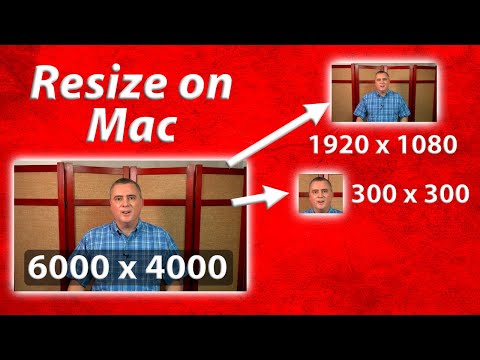
This quick video shows you how to resize and image on mac. To resize an image on mac, the Preview app that is included with Mac OS for free is all you need. First show how to resize the image for online viewing, such as for posting on a forum, craigslist or ebay. Second, I show how to make a photo 300 x 300 pixels (or any other square size) for use with an online form or other specific purpose. Last I show how to crop to a rectangular size, 1920 x 1080 for my example, and then how to reduce the size of the file to below 200 kB.
About this tutorial
Home Tech Adventure published this 14:02 video tutorial on February 3, 2020. It has been watched 19,550 times on YouTube.
- Channel
- Home Tech Adventure
- Category
- Science & Technology
- Duration
- 14:02
- Published
- February 3, 2020
- Views
- 19,550
- Likes
- 151
Tags
Share
This tutorial in other languages
- FRComment faire pour redimensionner une image sur Mac Utilisation de l'aperçu
- ESCómo cambiar el tamaño de una imagen en Mac Uso de la Previsualización
- PTComo redimensionar uma imagem no Mac usando a visualização
- ITCome ridimensionare un'immagine su Mac utilizzando Anteprima
- DEWie Ändern der Größe eines Bildes auf Mac Vorschau Verwenden
- NLHow To Resize een beeld op Mac met Voorvertoning
- RUКак изменить размер изображения на Mac с помощью предварительного просмотра
- PLJak zmienić rozmiar obrazu na Mac Korzystanie Podgląd
- JAプレビューを使用したMacではどのようにするリサイズアンイメージ
- ARكيفية تغيير حجم صورة على ماك عن طريق معاينة
- HIकैसे मैक पर पूर्वावलोकन का उपयोग करके करने के लिए आकार एक छवि
- IDCara Resize Sebuah Image Pada Mac Menggunakan Preview