Playback starts YouTube’s embedded player (privacy-enhanced mode).
How to take a screenshot on the iPhone
ChanneleverythingicafeDescription from the creator
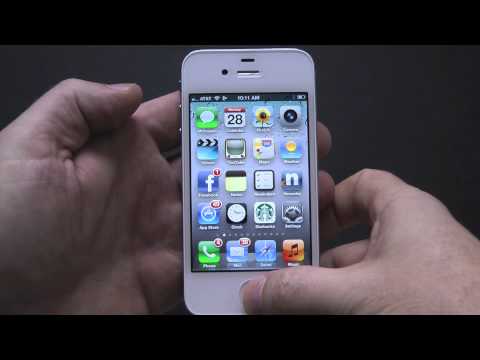
everythingicafe.com Short video tutorial on how to take a screenshot on the iPhone. This tutorial on how to take an iPhone screenshot applies to the iPhone 4S, iPhone 4, iPhone 3GS, iPhone 3G, original iPhone, iPod touch and iPad.
Simply press the home button and the power button at the same time. The screenshot can then be found in the camera roll in your Photos app.
Simply press the home button and the power button at the same time. The screenshot can then be found in the camera roll in your Photos app.
About this tutorial
everythingicafe published this 1:27 video tutorial on November 8, 2012. It has been watched 204,031 times on YouTube.
- Channel
- everythingicafe
- Category
- Science & Technology
- Duration
- 1:27
- Published
- November 8, 2012
- Views
- 204,031
- Likes
- 660
Tags
Share
This tutorial in other languages
- FRComment prendre une capture d'écran sur l'iPhone
- ESCómo tomar una captura de pantalla en el iPhone
- PTComo tirar um screenshot no iPhone
- ITCome prendere uno screenshot su iPhone
- DEWie Sie einen Screenshot auf dem iPhone nehmen
- NLHoe maak je een screenshot op de iPhone te nemen
- RUКак сделать скриншот на iPhone
- PLJak zrobić zrzut ekranu na iPhone
- JAiPhoneのスクリーンショットを撮る方法
- ARكيف تأخذ لقطة على اي فون
- HIiPhone पर एक स्क्रीनशॉट लेने के लिए कैसे
- IDCara mengambil screenshot pada iPhone