Playback starts YouTube’s embedded player (privacy-enhanced mode).
How To Take Screenshot or Snapshot on iPad Mini
ChannelTech ConnectionsDescription from the creator
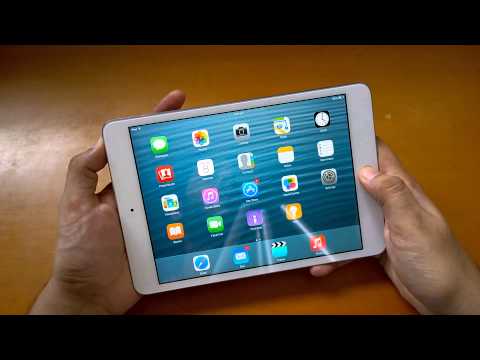
It is quite simple to Take Screenshot or Snapshot or Screen Capture on iPad Mini.
Just Press Power button and Home button simultaneously and release the Home button to take the Screenshot.
Just Press Power button and Home button simultaneously and release the Home button to take the Screenshot.
About this tutorial
Tech Connections published this 0:30 video tutorial on November 8, 2015. It has been watched 78,599 times on YouTube.
- Channel
- Tech Connections
- Category
- Science & Technology
- Duration
- 0:30
- Published
- November 8, 2015
- Views
- 78,599
- Likes
- 729
Tags
Share
This tutorial in other languages
- FRComment prendre Capture d'écran ou Snapshot sur iPad Mini
- ESCómo Capturar pantalla o instantánea en el iPad Mini
- PTComo tomar tela ou Snapshot no iPad Mini
- ITCome prendere Screenshot o snapshot su iPad Mini
- DEHow To Screenshot erstellen oder Snapshot auf dem iPad Mini
- NLHow To Screenshot nemen of Momentopname op iPad Mini
- RUКак принять Скриншот или снимок на IPad Mini
- PLJak wziąć zrzut ekranu lub migawkę na iPad Mini
- JAiPadのミニにスクリーンショットまたはスナップショットを取る方法
- ARكيفية اتخاذ لقطة أو لقطة في باد البسيطة
- HIiPad मिनी पर स्क्रीनशॉट या स्नैपशॉट लेने के लिए कैसे
- IDBagaimana Untuk Mengambil Screenshot atau Snapshot pada iPad Mini