Playback starts YouTube’s embedded player (privacy-enhanced mode).
How to Add Blur to Photos in Lightroom
ChannelVideo SchoolDescription from the creator
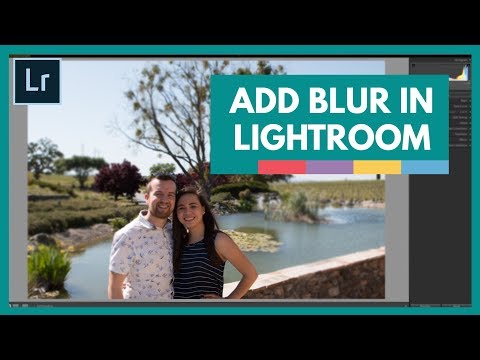
⚡ Start 150+ Premium Courses for FREE with our NO-STRINGS 30-day Free Trial: videoschool.com/YTtrial Learn how to add blur to your photos in Lightroom. This is a great way to blur out your background, to get a more 'shallow depth of field' look. We'll be using the radial filter and adjustment brush to create this custom blur effect.
Please subscribe to the channel and leave a comment below!
Video School: VideoSchool.com
Courses: courses.videoschool.com/
Twitter: twitter.com/philebiner
Facebook: facebook.com/videoschoolonline
Please subscribe to the channel and leave a comment below!
Video School: VideoSchool.com
Courses: courses.videoschool.com/
Twitter: twitter.com/philebiner
Facebook: facebook.com/videoschoolonline
About this tutorial
Video School published this 4:06 video tutorial on October 26, 2017. It has been watched 261,540 times on YouTube.
- Channel
- Video School
- Category
- Education
- Duration
- 4:06
- Published
- October 26, 2017
- Views
- 261,540
- Likes
- 937
Tags
Share
This tutorial in other languages
- FRComment ajouter du flou à Photos dans Lightroom
- ESCómo agregar la falta de definición hacia fotos de Lightroom
- PTComo adicionar Blur para fotos no Lightroom
- ITCome aggiungere sfocatura per Foto in Lightroom
- DEWie Blur zu Fotos in Lightroom hinzufügen
- NLHoe te Blur toevoegen aan foto's in Lightroom
- RUКак добавить размытие для фотографий в Lightroom
- PLJak dodać Blur do zdjęć w Lightroom
- JALightroomの中に写真にぼかしを追加する方法
- ARكيفية إضافة طمس صور في لايت
- HIकैसे Lightroom में फ़ोटो तक धुंधला जोड़ें
- IDBagaimana Tambahkan Blur Foto di Lightroom