Playback starts YouTube’s embedded player (privacy-enhanced mode).
How to Lighten Eyes in Photoshop
ChannelPiXimperfectDescription from the creator
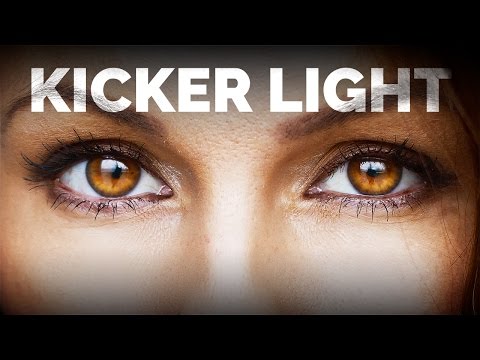
Add dimension and shine to your eyes by lightening them up using a kicker light in Photoshop CC 2017. Kicker lights stand opposite to catch lights and are actually the reflection of highlights from the iris. Lightening eyes adds to the sparkling and makes eyes more expressive and attractive. It adds a soft glow to the eyes which is natural and attractive.
In this video, we are going to learn a very small and simple but exceptionally effective technique that will make a massive difference and make eyes pop in Photoshop. If your image has flat eyes, adding a kicker light will solve it by generating highlights and reflections that will enhance the depth and give the eyes a sense of shape.
Instead of simply brightening up the eyes all over, brightening up in certain ways using the fundamentals of light and shadow can go a long way in making the eyes sparkle with beauty.
In this video, we are going to learn a very small and simple but exceptionally effective technique that will make a massive difference and make eyes pop in Photoshop. If your image has flat eyes, adding a kicker light will solve it by generating highlights and reflections that will enhance the depth and give the eyes a sense of shape.
Instead of simply brightening up the eyes all over, brightening up in certain ways using the fundamentals of light and shadow can go a long way in making the eyes sparkle with beauty.
About this tutorial
PiXimperfect published this 4:39 video tutorial on October 30, 2017. It has been watched 135,462 times on YouTube.
- Channel
- PiXimperfect
- Category
- Howto & Style
- Duration
- 4:39
- Published
- October 30, 2017
- Views
- 135,462
- Likes
- 3,533
Tags
Share
This tutorial in other languages
- FRComment les yeux dans Photoshop Eclaircir
- ESCómo aclarar los ojos en Photoshop
- PTComo Clarear Olhos em Photoshop
- ITCome per alleggerire gli occhi in Photoshop
- DEWie aufzuhellen Augen in Photoshop
- NLHoe te Lichter Eyes in Photoshop
- RUКак осветлить глаза в Photoshop
- PLJak rozjaśnić oczy w Photoshopie
- JAどのようにPhotoshopの明るく目に
- ARكيفية تفتيح العيون في فوتوشوب
- HIकैसे Photoshop में हल्का आंखें के लिए
- IDCara Meringankan Mata di Photoshop