Playback starts YouTube’s embedded player (privacy-enhanced mode).
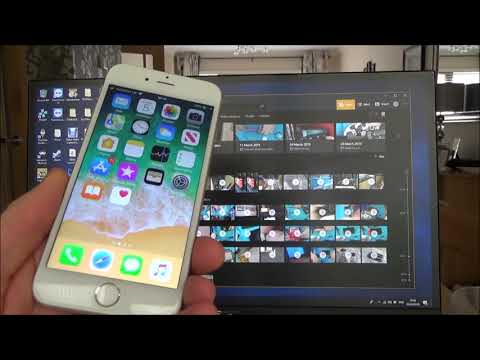
How to SAVE Photos from Apple iPhone to Windows 10 PC
ChannelMy Mate VINCEDescription from the creator
Hi, this video shows you how to save your photos from your Apple iPhone to your Windows 10 computer, when they are not showing up. So if you can see the photos on your phone but not on your computer then it is because they are saved to the iCloud. If you save them back onto your phone then the computer will be able to see them and download them. You can also log into iCloud directly from your computer and download them that way.
Many thanks, Vince :-)
Many thanks, Vince :-)
About this tutorial
My Mate VINCE published this 4:58 video tutorial on November 11, 2019. It has been watched 146,187 times on YouTube.
- Channel
- My Mate VINCE
- Category
- Howto & Style
- Duration
- 4:58
- Published
- November 11, 2019
- Views
- 146,187
- Likes
- 1,111
Tags
Share
This tutorial in other languages
- FRComment enregistrer des photos de l'iPhone d'Apple à Windows 10 PC
- ESCómo guardar fotos de iPhone de Apple para Windows 10 PC
- PTComo salvar fotos de iPhone Apple para Windows 10 PC
- ITCome salvare le foto da iPhone di Apple a Windows 10 PC
- DEWie Fotos von Apple iPhone auf Windows 10 PC speichern
- NLHoe kan ik foto's van Apple iPhone op te slaan in Windows 10-pc
- RUКак сохранить фотографии с Apple, iPhone на Windows 10 ПК
- PLJak zapisać zdjęcia z Apple iPhone do systemu Windows 10 PC
- JAWindowsの10 PCにAppleのiPhoneから写真を保存する方法
- ARكيفية حفظ الصور من ابل اي فون ويندوز 10 PC
- HIकैसे Windows 10 पीसी के लिए Apple iPhone से फ़ोटो सहेजने के लिए
- IDCara SIMPAN Foto dari Apple iPhone ke Windows 10 PC