Playback starts YouTube’s embedded player (privacy-enhanced mode).
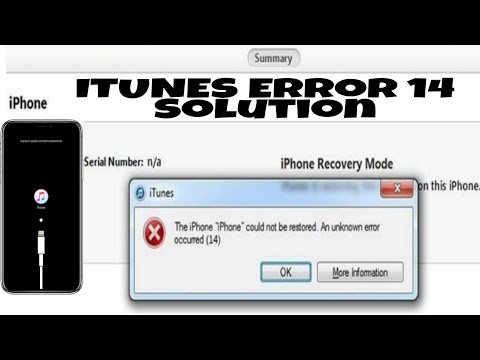
How to Fix iTunes Error 14 Step by Step Guide. For all iPhone/iPad/iPod
ChannelodtechinfoDescription from the creator
In this video, you will learn how to fix iTunes Error 14 which mostly occur during iOS Update mostly due to low storage or corrupt system firmware.
Link to download iTunes
apple.com/itunes/download/
Link to download Apple iOS firmware
ipsw.me/
Link to download iTunes
apple.com/itunes/download/
Link to download Apple iOS firmware
ipsw.me/
About this tutorial
odtechinfo published this 11:55 video tutorial on November 3, 2019. It has been watched 19,836 times on YouTube.
- Channel
- odtechinfo
- Category
- Science & Technology
- Duration
- 11:55
- Published
- November 3, 2019
- Views
- 19,836
- Likes
- 72
Tags
Share
This tutorial in other languages
- FRComment réparer une erreur d'iTunes 14 étape par étape Guide. Pour tous les iPhone / iPad / iPod
- ESCómo corregir un error de iTunes 14 Guía paso a paso. Para todos los iPhone / iPad / iPod
- PTComo corrigir iTunes Erro 14 Guia Passo a Passo. Para todos os iPhone / iPad / iPod
- ITCome risolvere l'errore di iTunes 14 passo passo guida. Per tutti gli iPhone / iPad / iPod
- DEWie Fix iTunes Fehler 14 Schritt für Schritt Anleitung. Für alle iPhone / iPad / iPod
- NLHoe kan ik Fix iTunes Error 14 Stap voor stap handleiding. Voor alle iPhone / iPad / iPod
- RUКак исправить Itunes Error 14 Шаг за шагом руководства. Для всех iPhone / IPad / IPod
- PLJak naprawić iTunes Error 14 krok po kroku. Dla wszystkich iPhone / iPad / iPod
- JAiTunesのを修正する方法ステップガイドで14ステップをエラー。すべてのiPhone / iPadアプリ/ iPod用
- ARكيفية إصلاح خطأ اي تيونز 14 دليل خطوة بخطوة. لجميع فون / آي باد / آي بود
- HIकैसे आइट्यून्स त्रुटि को ठीक कदम गाइड द्वारा 14 कदम। सभी iPhone / iPad / आइपॉड के लिए
- IDCara Memperbaiki iTunes Error 14 Panduan Langkah demi Langkah. Untuk semua iPhone / iPad / iPod