Playback starts YouTube’s embedded player (privacy-enhanced mode).
How to merge Excel sheets into one
ChannelAblebitsChapters
Description from the creator
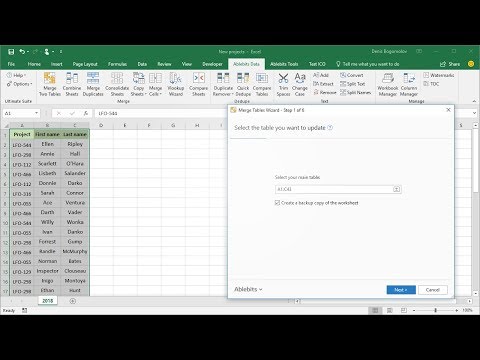
See how to merge Excel spreadsheets without copying and pasting into master worksheet in 1 minute. Find more about Merge Tables wizard at merge-sheets.com/
0:00 - The Problem with Updating Data
0:37 - Selecting the Main & Lookup Tables
0:57 - Choosing Matching Columns
1:41 - Advanced Options (New Items, Blanks)
2:19 - Final Result
0:00 - The Problem with Updating Data
0:37 - Selecting the Main & Lookup Tables
0:57 - Choosing Matching Columns
1:41 - Advanced Options (New Items, Blanks)
2:19 - Final Result
About this tutorial
Ablebits published this 3:03 video tutorial on October 29, 2017. It has been watched 284,508 times on YouTube.
- Channel
- Ablebits
- Category
- Science & Technology
- Duration
- 3:03
- Published
- October 29, 2017
- Views
- 284,508
- Likes
- 278
Tags
Share
This tutorial in other languages
- FRComment fusionner des feuilles Excel dans un
- ESCómo combinar hojas de Excel en un solo
- PTComo mesclar planilhas do Excel em um único
- ITCome unire fogli Excel in un unico
- DEWie man Excel-Tabellen zu einer Einheit verschmelzen
- NLHoe te fuseren Excel-sheets in één
- RUКак объединить Excel листов в одно,
- PLJak scalić arkuszy Excel w jednym
- JA一つにExcelシートをマージする方法
- ARكيفية دمج أوراق Excel في واحد
- HIएक में एक्सेल शीट मर्ज करने के लिए कैसे
- IDBagaimana untuk menggabungkan lembar Excel menjadi satu