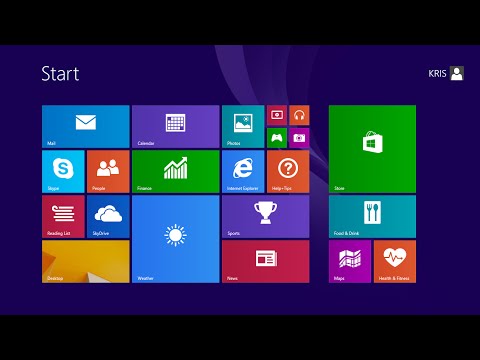
Playback starts YouTube’s embedded player (privacy-enhanced mode).
How To Update Drivers In Windows 8
ChannelWebPro EducationDescription from the creator
Learn how to easily update the drivers for your devices in windows 8.
Drivers for your devices are often periodically updated to improve their performance and other issues.
To update drivers, go to your device manager. Select the device for which you want to update its driver. Click on the arrow in the category to open more options.
Right click and select 'Update Driver Software'
Select the 'Search automatically' option to search whether there are any driver updates available from the device manufacturers.
Drivers for your devices are often periodically updated to improve their performance and other issues.
To update drivers, go to your device manager. Select the device for which you want to update its driver. Click on the arrow in the category to open more options.
Right click and select 'Update Driver Software'
Select the 'Search automatically' option to search whether there are any driver updates available from the device manufacturers.
About this tutorial
WebPro Education published this 2:07 video tutorial on October 29, 2014. It has been watched 38,480 times on YouTube.
- Channel
- WebPro Education
- Category
- Education
- Duration
- 2:07
- Published
- October 29, 2014
- Views
- 38,480
- Likes
- 243
Tags
Share
This tutorial in other languages
- FRComment mettre à jour les pilotes dans Windows 8
- ESCómo actualizar los controladores en Windows 8
- PTComo atualizar drivers no Windows 8
- ITCome per aggiornare i driver in Windows 8
- DEWie Aktualisieren von Treibern unter Windows 8
- NLHoe updaten Drivers in Windows 8
- RUКак обновить драйверы В Windows 8
- PLJak Sterowniki Do aktualizacji w systemie Windows 8
- JAWindowsのはどのようにするにはドライバの更新8
- ARكيفية تحديث برامج تشغيل ويندوز 8
- HIकैसे Windows में करने के लिए अद्यतन ड्राइवर 8
- IDCara Perbarui Driver Pada Windows 8