Playback starts YouTube’s embedded player (privacy-enhanced mode).
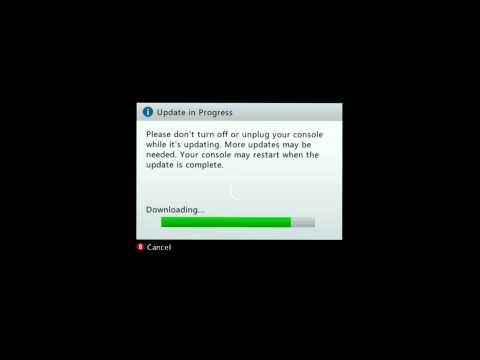
How to fix Xbox 360 Update Glitch
ChanneliZetroCDescription from the creator
Step 1. Say No to Xbox Update
Step 2. Go to the System Tab
Step 3. Go to Network Settings
Step 4. Test Connection to Xbox Live.
Step 5. Update should pop up again. Click Yes
Step 6. After Installed Update, Sign in. And you're done.
Step 2. Go to the System Tab
Step 3. Go to Network Settings
Step 4. Test Connection to Xbox Live.
Step 5. Update should pop up again. Click Yes
Step 6. After Installed Update, Sign in. And you're done.
About this tutorial
iZetroC published this 4:02 video tutorial on November 11, 2014. It has been watched 227,427 times on YouTube.
Tags
Share
This tutorial in other languages
- FRComment fixer Xbox 360 mise à jour Glitch
- ESCómo corregir Xbox 360 de actualización de Defectos
- PTComo corrigir Xbox 360 Atualização Glitch
- ITCome risolvere Xbox 360 aggiornamento Glitch
- DEWie Xbox 360-Update Glitch beheben
- NLHoe op te lossen Xbox 360-update Glitch
- RUКак исправить Xbox 360 Update Glitch
- PLJak naprawić Xbox 360 Aktualizacja Glitch
- JAXbox 360のアップデートグリッチを修正する方法
- ARكيفية إصلاح أجهزة إكس بوكس 360 تحديث خلل
- HI360 अद्यतन गड़बड़ ठीक करने के लिए कैसे
- IDCara untuk memperbaiki Xbox 360 Perbarui Glitch