Playback starts YouTube’s embedded player (privacy-enhanced mode).
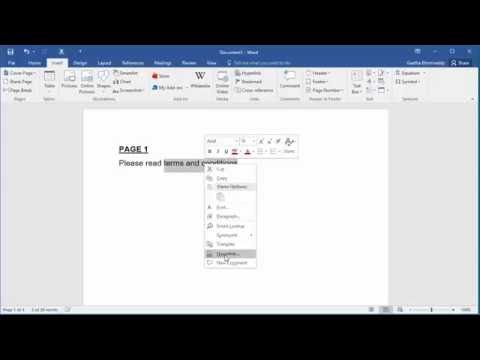
How to Create a Hyperlink for a Bookmark in document in Word 2016
ChannelFind Easy SolutionDescription from the creator
This video explains how you can add a bookmark in a document and how you can create a hyperlink to point to the bookmark. If you have a huge document with several pages and you have some text in the first page where you need to provide a hyperlink to contents in page 50. You first need to create a bookmark for the contents in page 50 and then create a hyperlink in first page to point to the bookmark created.
About this tutorial
Find Easy Solution published this 3:18 video tutorial on October 31, 2016. It has been watched 72,003 times on YouTube.
- Channel
- Find Easy Solution
- Category
- People & Blogs
- Duration
- 3:18
- Published
- October 31, 2016
- Views
- 72,003
- Likes
- 441
Tags
Share
This tutorial in other languages
- FRComment créer un lien hypertexte pour un signet dans le document dans Word 2016
- ESCómo crear un hipervínculo a un marcador en el documento en Word 2016
- PTComo Criar um hiperlink para um marcador no documento no Word 2016
- ITCome creare un collegamento ipertestuale per un segnalibro nel documento in Word 2016
- DEWie ein Hyperlink für ein Lesezeichen in dem Dokument in Word 2016 erstellen
- NLHoe maak je een hyperlink naar een bladwijzer in het document in Word 2016
- RUКак создать гиперссылку для закладки в документе в 2016 году Слово
- PLJak utworzyć hiperłącze do zakładki w dokumencie programu Word 2016
- JAWord 2016文書にブックマークのハイパーリンクを作成する方法
- ARكيفية إنشاء ارتباط تشعبي للإشارة مرجعية في المستند في Word 2016
- HIकैसे दस्तावेज़ में एक बुकमार्क के लिए हाइपरलिंक बनाने के लिए वर्ड 2016 में
- IDCara Membuat Hyperlink untuk Bookmark dalam dokumen di Word 2016