Playback starts YouTube’s embedded player (privacy-enhanced mode).
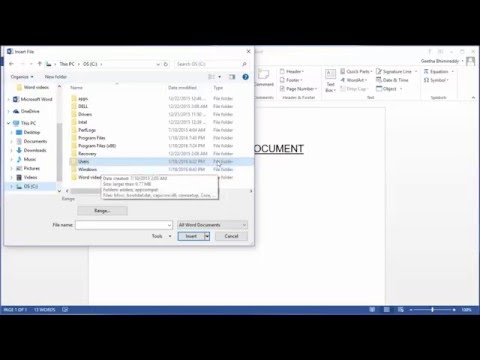
How to insert contents of a document into another document in Word 2013
ChannelFind Easy SolutionDescription from the creator
How to insert contents of a document into another document in Word 2013. You can copy the contents of one word document to another document as text wherever you want in the document. Using the same procedure you can actually merge contents of multiple word documents to one document.
About this tutorial
Find Easy Solution published this 1:35 video tutorial on November 7, 2016. It has been watched 360,270 times on YouTube.
- Channel
- Find Easy Solution
- Category
- People & Blogs
- Duration
- 1:35
- Published
- November 7, 2016
- Views
- 360,270
- Likes
- 1,343
Tags
Share
This tutorial in other languages
- FRComment insérer le contenu d'un document dans un autre document dans Word 2013
- ES¿Cómo insertar contenido de un documento a otro documento en Word 2013
- PTComo inserir conteúdo de um documento em outro documento no Word 2013
- ITCome inserire il contenuto di un documento in un altro documento in Word 2013
- DEWie Inhalt eines Dokuments in ein anderes Dokument in Word 2013 einfügen
- NLHoe kan ik inhoud van een document in te voegen in een ander document in Word 2013
- RUКак вставить содержимое документа в другой документ в слове 2013
- PLJak wstawić zawartość dokumentu do innego dokumentu w programie Word 2013
- JAWordの2013年に別の文書への文書の内容を挿入する方法
- ARكيفية إدراج محتويات مستند إلى وثيقة أخرى في Word 2013
- HIकिसी अन्य दस्तावेज़ में एक दस्तावेज़ की सामग्री सम्मिलित कैसे वर्ड 2013 में
- IDCara menyisipkan isi dokumen ke dokumen lain di Word 2013