Playback starts YouTube’s embedded player (privacy-enhanced mode).
How to Forward a Text Message | iPhone Tips
ChannelHowcastDescription from the creator
Watch more iPhone Tips & Tricks videos: howcast.com/videos/515276-How-to-Forward-a-Text…
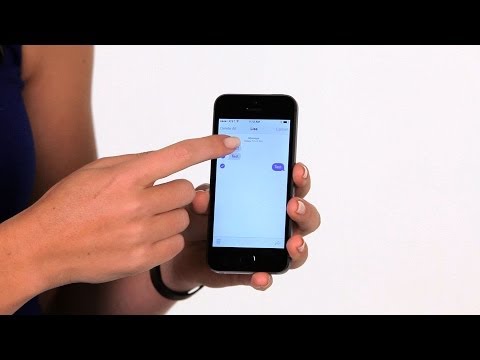
- Hi, Liza here. I'm going to show you how to forward a text message. So first we're gonna open up the messages up. We're gonna go into the message we want and then you're gonna choose the text that you wanna forward. Once you chosen it, press and hold on it with your finger, and you get the options for copy or from work. When you tap on more, you'll see a little check box next to the one you pick.
You can choose to forward just that one or you can choose more text in this conversation. Then at the bottom right you'll see a little arrow. When you tap on that, it'll bring up a new message. You can type in who you wanna send it to and that will include the text that you chose to forward so you can type in your new contact's name. You could hit send and that's how you forward a text message.
- Hi, Liza here. I'm going to show you how to forward a text message. So first we're gonna open up the messages up. We're gonna go into the message we want and then you're gonna choose the text that you wanna forward. Once you chosen it, press and hold on it with your finger, and you get the options for copy or from work. When you tap on more, you'll see a little check box next to the one you pick.
You can choose to forward just that one or you can choose more text in this conversation. Then at the bottom right you'll see a little arrow. When you tap on that, it'll bring up a new message. You can type in who you wanna send it to and that will include the text that you chose to forward so you can type in your new contact's name. You could hit send and that's how you forward a text message.
About this tutorial
Howcast published this 1:02 video tutorial on November 3, 2014. It has been watched 918,329 times on YouTube.
- Channel
- Howcast
- Category
- Science & Technology
- Duration
- 1:02
- Published
- November 3, 2014
- Views
- 918,329
- Likes
- 1,010
Tags
Share
This tutorial in other languages
- FRComment transférer un message de texte | Conseils iPhone
- ESCómo reenviar un mensaje de texto | Consejos iPhone
- PTComo a transmitir uma mensagem de texto | Dicas iPhone
- ITCome inoltrare un messaggio di testo | iPhone Tips
- DEWie eine Textnachricht an Weiterleiten | iPhone Tipps
- NLHoe maak je een SMS-bericht doorsturen | iPhone Tips
- RUКак Перенаправление текстового сообщения | iPhone Советы
- PLJak przekazać wiadomość tekstową | iPhone Porady
- JAテキストメッセージを転送する方法| iPhoneのヒント
- ARكيفية إعادة توجيه رسالة نصية | نصائح فون
- HIकैसे अग्रेषित करने की एक पाठ संदेश | iPhone युक्तियाँ
- IDBagaimana Teruskan Pesan Teks | Tips iPhone