Playback starts YouTube’s embedded player (privacy-enhanced mode).
How to Enable AirDrop on an Older Mac
ChannelMaster TutorialsDescription from the creator
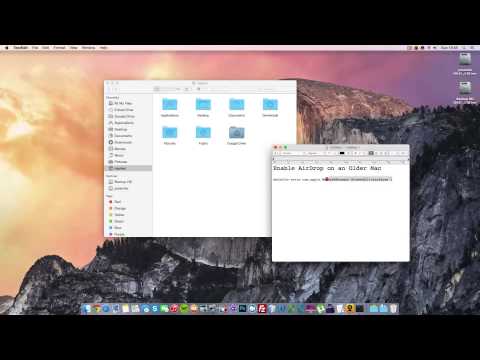
To begin, launch the Terminal (located in /Applications/Utilities). Once there, type in the following command to enable AirDrop on your older Mac:
defaults write com.apple.NetworkBrowser BrowseAllInterfaces 1
Facebook Page: facebook.com/masteritutorials
defaults write com.apple.NetworkBrowser BrowseAllInterfaces 1
Facebook Page: facebook.com/masteritutorials
About this tutorial
Master Tutorials published this 2:10 video tutorial on October 27, 2014. It has been watched 211,309 times on YouTube.
- Channel
- Master Tutorials
- Category
- Education
- Duration
- 2:10
- Published
- October 27, 2014
- Views
- 211,309
- Likes
- 756
Tags
Share
This tutorial in other languages
- FRComment faire pour activer AirDrop sur un ancien Mac
- ESCómo activar el lanzamiento desde el aire en un Mac antiguo
- PTComo ativar Airdrop em um Mac mais antigo
- ITCome abilitare Airdrop su un Mac più vecchio
- DESo aktivieren Abwurf auf einem älteren Mac
- NLHoe kan inschakelen AirDrop op een oudere Mac
- RUКак включить десантный на более старых Mac
- PLJak włączyć zrzut na starszych komputerach Mac
- JA古いMacでAirDropを有効にする方法
- ARكيفية تمكين انزال على أقدم ماك
- HIपर एक पुराने मैक AirDrop सक्षम कैसे
- IDCara Aktifkan AirDrop pada Mac Lama